
Travel order process in SmartFP
The travel orders in SmartFP work as a simple process that corresponds to the real workflow of a business trip. The system guides users through the steps so that data is not entered repeatedly, paths are controlled and the output complies with internal and legislative rules.
Step 1
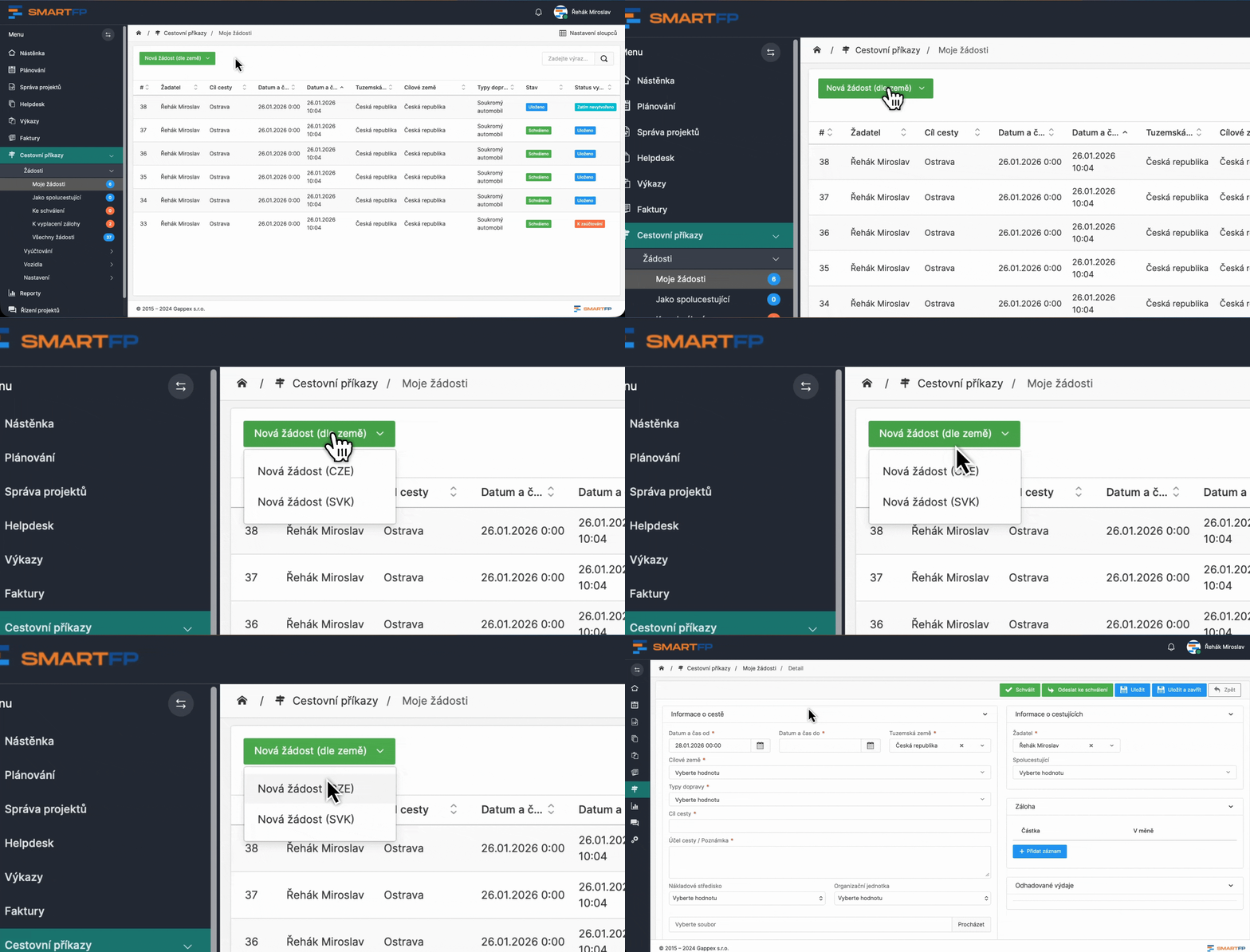
Starting a business trip request
The business trip process starts with creating an application where we fill in basic information about the planned trip. Depending on the organization’s setup, this step may serve to:
- as internal records only, or
- as a new travel order for approval
The purpose of this step is not to fill in the details, but to enter basic information about the job for approval.

Step 2
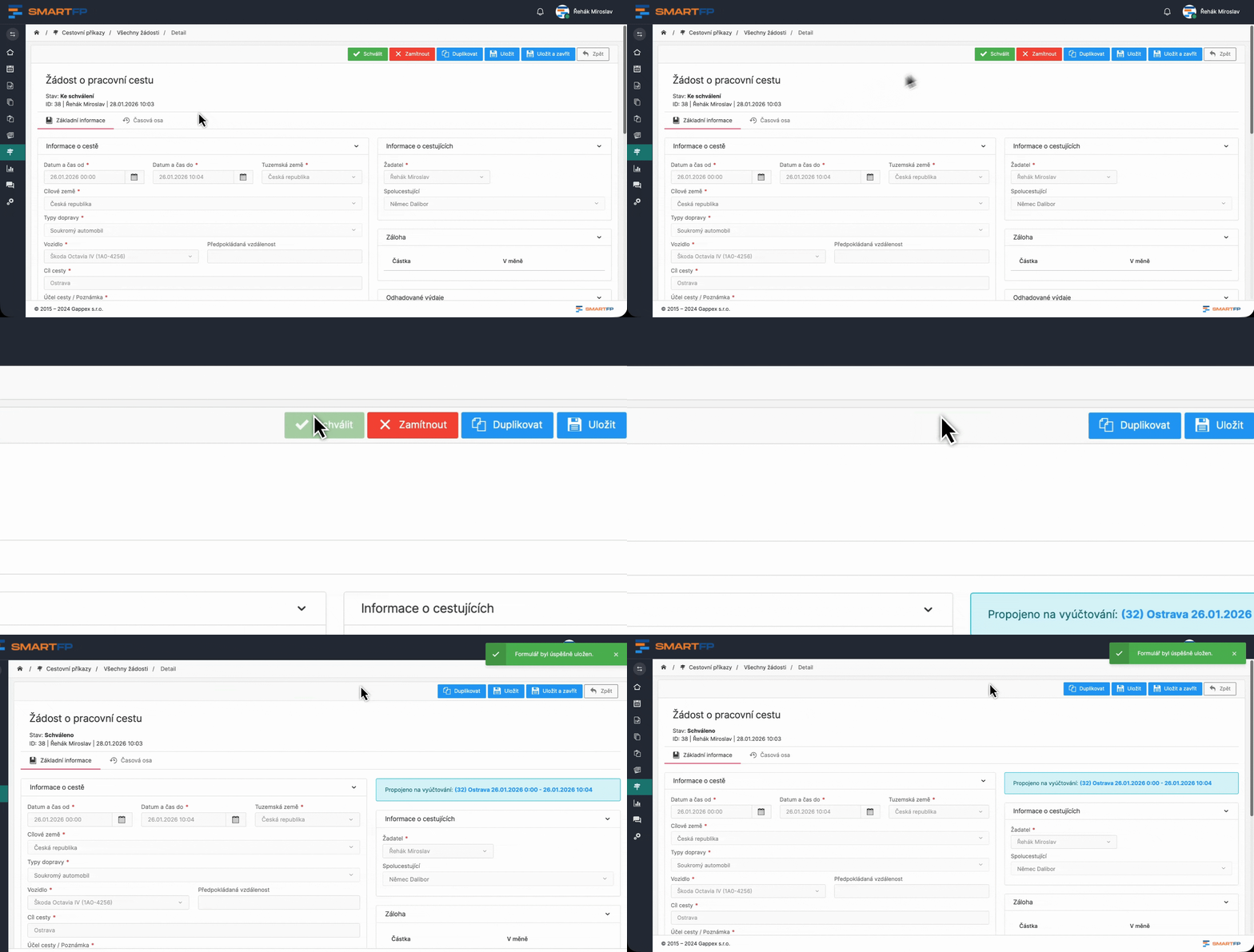
Approval of the application
If the organization is working with approvals, a supervisor or other approver enters the process.
He sees:
- completed basic journey parameters from the applicant
This allows the supervisor to approve the application and the journey can begin.
Step 3
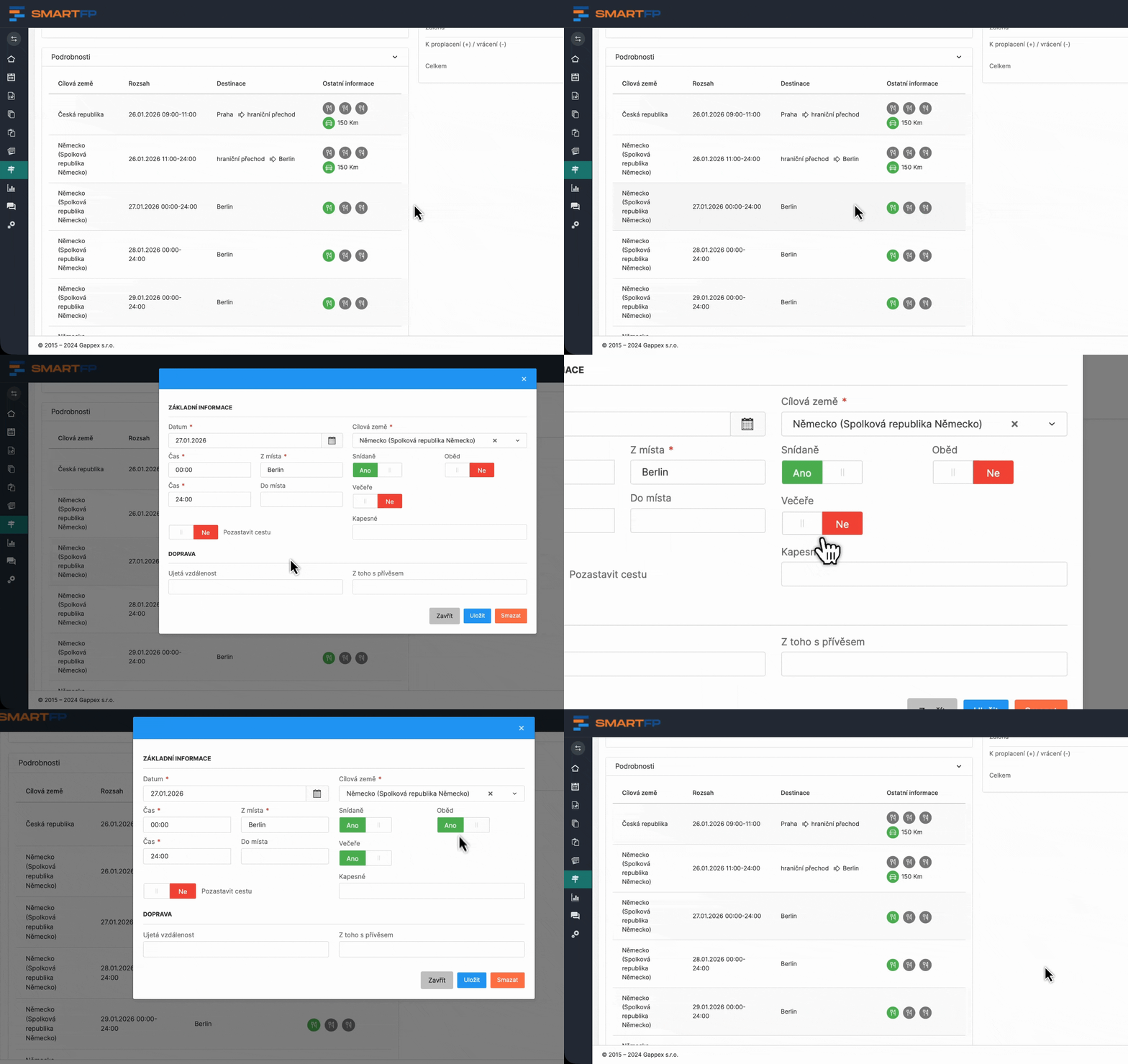
Implementation of the trip
During the actual work journey, the system does not hinder the user by filling in unnecessary information.
The employee deals only with important data that can be completed continuously or even retrospectively after his return.
The process is designed to accommodate and facilitate user use, not to force administrative issues at inopportune times.
Step 4
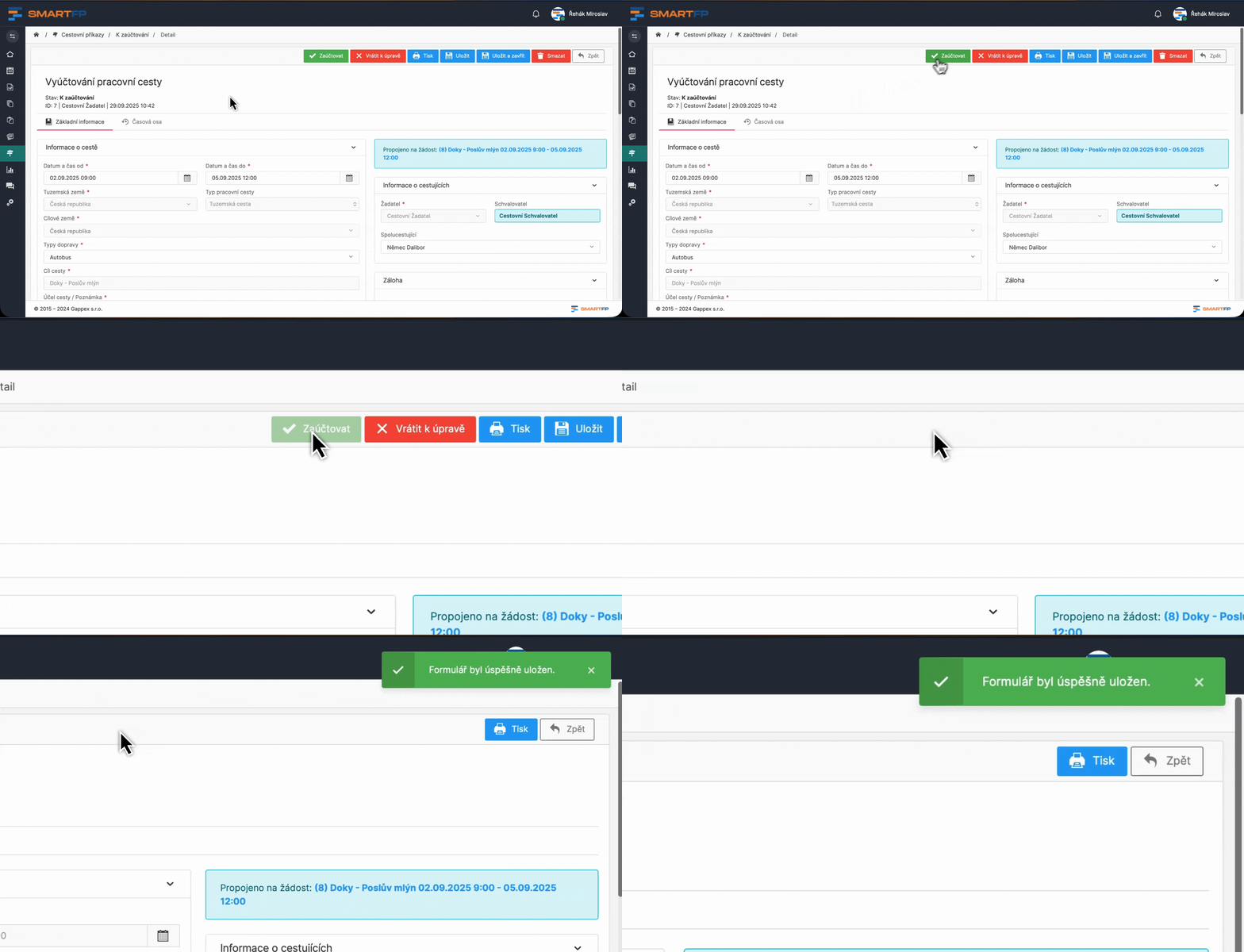
Trip settlement (end of trip)
After returning from the trip, the business trip is accounted for. The employee works with one continuous record that follows the previous steps.
The aim is:
- confirm the actual progress of the journey
- to supplement the costs
- account for the trip as a whole
The system makes sure that the information is linked and nothing important is missing.
Step 5
Processing and control
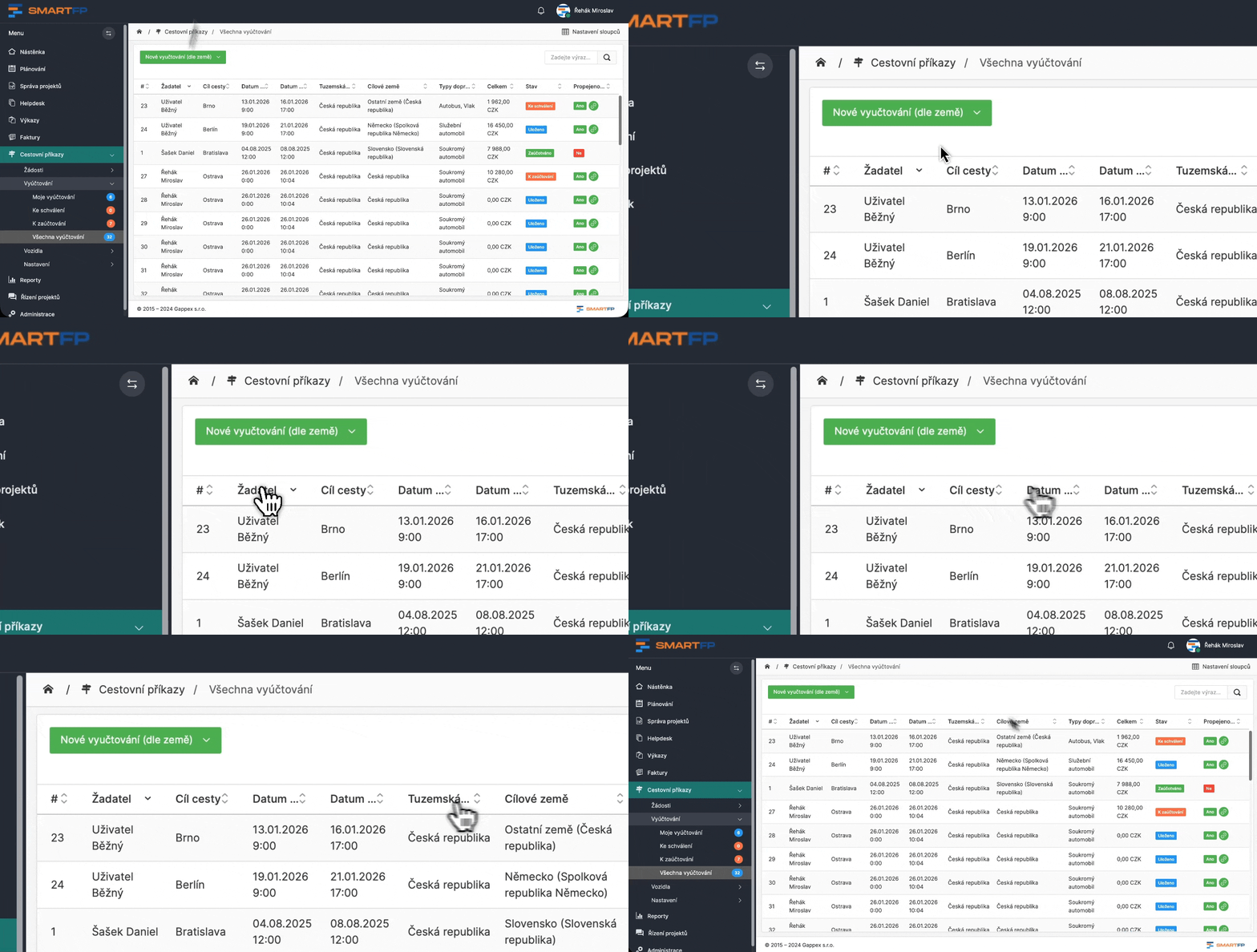
Once the trip is settled, it moves itself to the database of the history of all travel orders. Everyone can find their travel order. The system is intuitive and allows you to filter the database so it is always clear:
- when the trip was billed
- the condition of the road
- who requested it or who approved it
role
Role in the process (who solves what)
Employee
He makes a trip request, completes the course, or retrospectively fills in the details upon his return.
Supervisor / approver
The approver will approve the request, but may also deny the trip with appropriate comment.
Accountants and economists
It only works with a closed path ready for billing.
Administration
It helps to keep the process smooth and formally correct. It has the ability to view all travel order processes.
Learn how to use SmartFP in minutes
You can customise the system to make it easy to use for everyone. Accountants, receptionists and bosses. On the computer and in the mobile app. Just a few details below. We will contact you and suggest a date for a demonstration, free of charge and without obligation.

FAQ
Your most common questions
Looking for answers to your questions or need help with our system? We’ve put together a list of frequently asked questions where you can find useful information and solutions to common problems. If anything is not clear to you? Send us a question.
Is it possible to run SmartFP as SaaS and on-premise?
Yes. We are flexible in the location of our solutions, supporting SaaS and on-premise. For some customers, on-premise makes sense because of the integration to internal systems that are not available externally.
How do you deal with travel allowances and compliance with the law?
SmartFP has a travel reimbursement codebook that we synchronize according to the current decree, so you can be sure that the calculations correspond to the legislation and there is no need to manually monitor rate changes.
Is it possible to set up a travel order for someone else?
Yes. Depending on the permission settings, you can create Requests and Billing for another person, typically an assistant, supervisor, or even a traveling companion.
How does vehicle registration work?
Vehicles can be registered in the system with all the data needed for calculating travel allowances (e.g. fuel type, consumption). The registration can also be extended to include approval, for example when a new vehicle is created or assigned to a trip.
Is the Request mandatory or can we turn it off?
The request is not mandatory, we can turn it off. However, it is used in most organizations because it brings control over travel: approval, the possibility to request an advance and, most importantly, a preliminary overview of the costs before the trip.
Do you know how to do bulk travel orders and summary billing?
Yes. SmartFP supports:
- bulk travel orders,
- carpooling,
- as well as summary travel reports, where multiple overnight trips can be settled in one billing.
How does travel approval work?
The approval process is normally set up so that the trip is approved by the supervisor, but we can adapt the process, for example, according to the organisational structure, centres or other internal rules.
Is SmartFP also available on mobile?
Yes. It’s all in one place in the system, and it’s accessible from a mobile phone, so the passenger can add loads and attachments continuously, not just “when they get back to the computer”.