
A Clear Overview of the Organizational Structure in One Place
Show who is responsible for what and how teams relate to one another. Connect employees, departments, and roles in a clear organizational structure.
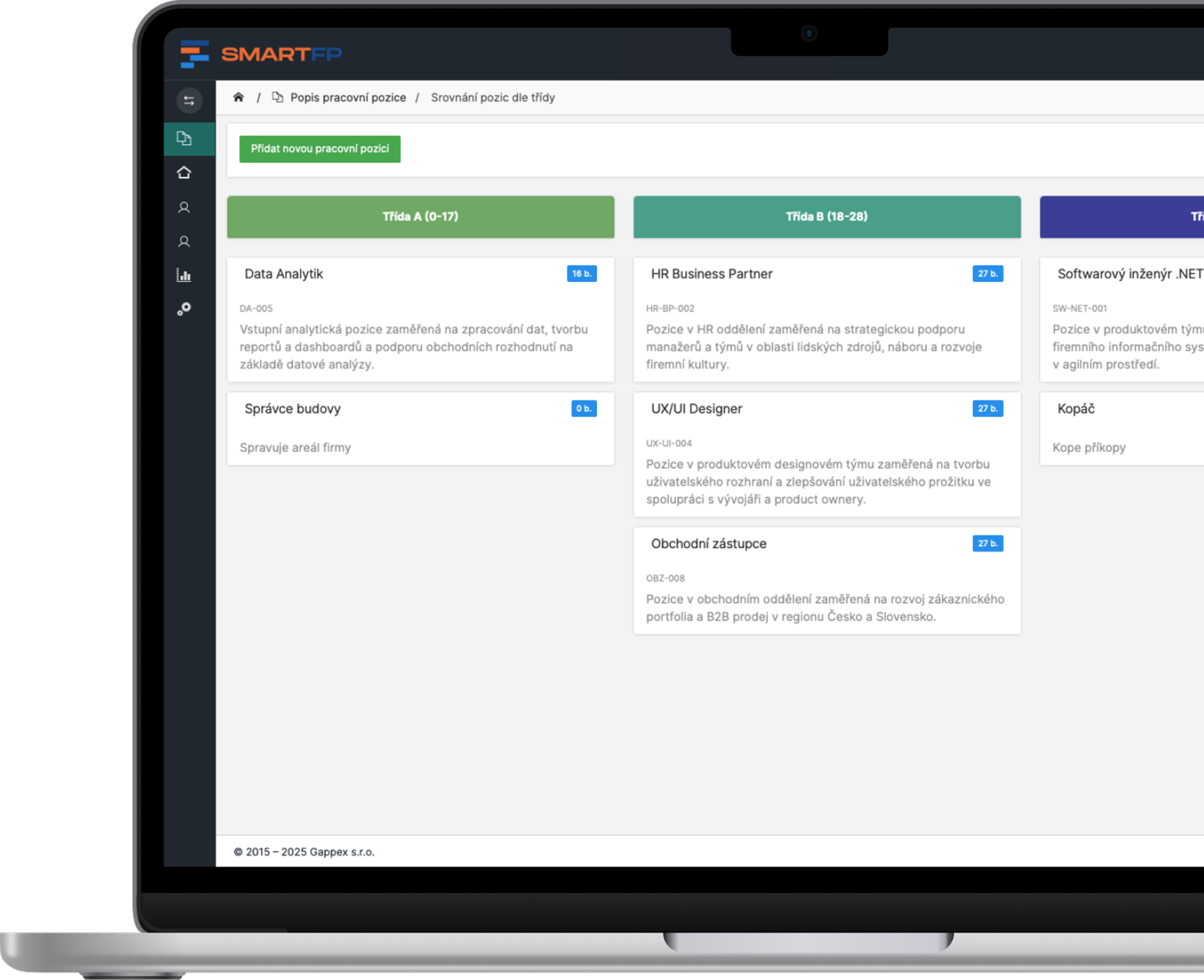
main functions
Clear Relationships, Roles, and Responsibilities
From an overview of departments and contacts to changes in teams and documentation for substitution.
Clear hierarchy
Display departments, teams, and the relationships between supervisors and subordinates.
Roles and Responsibilities
Make it easier to figure out who is responsible for each area.
Colleagues’ Contact Information
Find team members and their contact information all in one place.
Organizational Changes
Update employee transfers, promotions, and team structures.
Documents Required for Representation
Use the data from the structure when setting up substitutes during your absence.
Structure Overviews
Depending on the scope of the solution, include statistics on departments and management relationships.
Problems vs. Solutions
Everyone knows where they belong and who to turn to
When a company changes, its organizational structure must keep pace. Give employees a shared overview of teams, responsibilities, and contacts, and make it easier for them to collaborate on a daily basis.
Problems
It is unclear who is responsible for what
Employees are looking for the right person through several colleagues.
Newcomers have a hard time finding their way around
They lack an overview of the teams, roles, and their direct supervisors.
Contacts are scattered
Information about people is found in various directories.
The structure does not reflect reality
Transfers and roster changes are recorded in the old documents.
Substitutions are decided at the last minute
When an employee is on vacation or sick, there is no documentation available to determine who should cover for them.
How SmartFP solves it
Overview of Responsibilities
It’s easier to understand the scope of each role and team.
A Clear Hierarchy
Both new and existing employees can see their roles and how they relate to others.
People and Contacts All in One Place
You can find your colleagues’ contact information directly in the organizational chart.
Easy to Update
Administrators will adjust employee classifications, create new positions, and reorganize teams.
Resources for Groups
You will use the classification and relationship data when configuring substitution.
Organizational Structure as the Basis for Substitutability
You can use data about employees, their roles, and job classifications when setting up cover arrangements during vacations or sick leave. This structure provides context for determining appropriate replacements and links to related HR processes.
Staff
Roles and Teams
Control Relationships
Substitutability
Give collaboration within the company a clear structure
Keep track of your departments, employees, and responsibilities in an up-to-date overview that’s easy for everyone to navigate.

How the Organizational Structure Works in Practice
Map Out Your Organization
Organize departments, teams, and positions according to how the company actually operates.
You’ll gain a shared understanding of the organization’s structure.
Assign People and Relationships
Classify employees, define their roles, and establish the relationships between supervisors and subordinates.
It makes it easier for everyone to find their manager and coworkers.
Keep the structure up to date
Take transfers, promotions, and reorganizations into account and use the data when planning staff coverage.
Employees have access to up-to-date information.
Who for?
An Overview of the Organization for Everyone
HR Department
Manage employee classifications and changes across the organization.
Employee Classification
transfers and new positions
Documents Required for Representation
Team Leaders
Keep track of your team, roles, and reporting relationships.
team composition
division of responsibilities
changes to the team
Staff
Find out who to contact and what your role is within the organization.
colleagues’ contact information
immediate supervisors
easier orientation for newcomers
Organizational Leadership
Use this overview of the structure to manage and plan changes.
departmental structure
management relationships
reorganization planning
Digitization in Practice
Take a look at an example of digitizing another business process: processing IT requests in SmartFP.
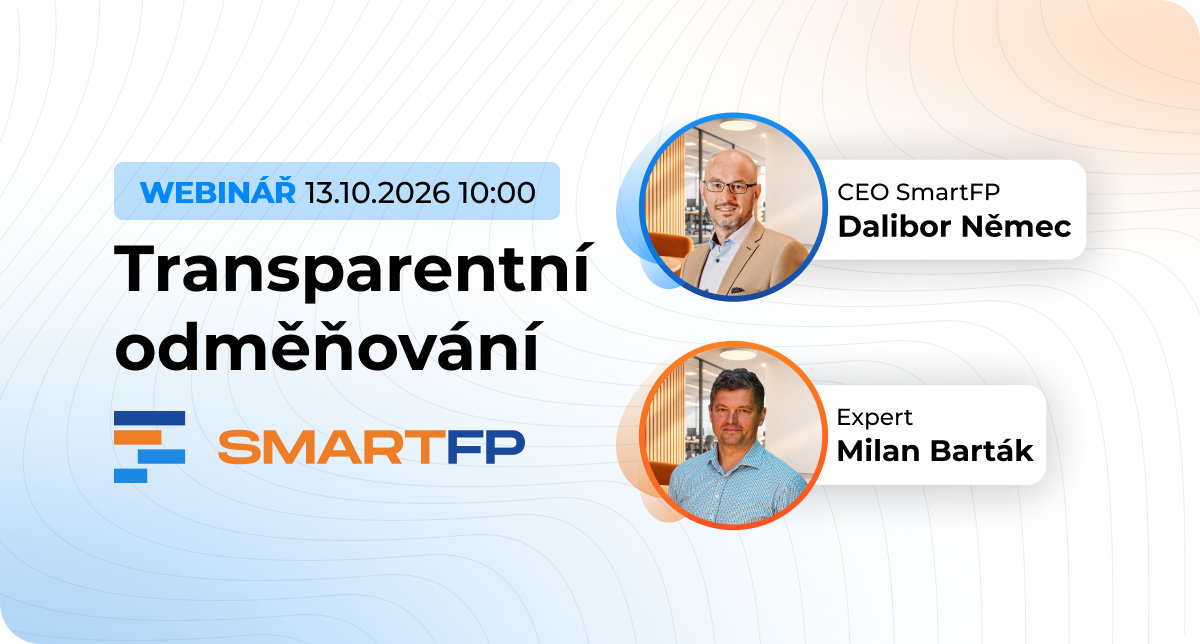
Webinar Recording Transparent Compensation: What to Expect and How to Approach It The amendment to the Labor Code will impose new obligations…

No More Invoice Approval via Email: Foreigners.cz Saves Two Days
How the relocation agency Foreigners.cz replaced lengthy email threads with a streamlined invoice workflow in SmartFP, including the extraction of…
Transparent Compensation: What Lies Ahead for Czech Companies and Why
On August 31, 2026, the government approved an amendment to the Labor Code , which transposes the European Directive on…

How We Digitized Time and Attendance and Vacation Tracking for
How Auto Jarov Eliminated Manual Data Entry and Saved the Payroll Department Three Days of Work Each Month Attendance and leave ~600…

How a Smaller Company Digitized Attendance and Vacation Tracking with SmartFP—online requests, clear approval processes, and an overview of who’s…

How Kooperativa Simplified the Process of Handing Over Keys to
Kooperativa has integrated vehicle reservations with SmartFP Keyboxes. Employees can nowpick up and return keys on their own, without waiting…

No More Confusion With Keys in Fleet Management. That’s How We Did It They resolved the issue with…

AAA AUTO has accelerated the resolution of IT requirements thanks
When the original ticketing system is no longer sufficient IT requirements were under control. The problem was that the system that…

The biggest asset management problem? Not knowing who’s carrying what
The customer has already registered the property. He therefore did not suggest that he had no knowledge of it. The…

SmartFP simplified onboarding and gave HR processes a clear order
A medium-sized organization struggled with onboarding consisting of emails, attachments, manual transcription, and unclear responsibilities. As the number of employee…
Understand Your Organization in Context
In this demo, we’ll walk through team views, change management, and using data for substitutability. Tell us about your organization, and we’ll discuss how to customize the module to meet its needs.
FAQ
Your Most Frequently Asked Questions
Find out what the module displays, how it is updated, and how it can help with coverage. Do you have a question about your organization’s specific setup? Contact us.
What does the Organizational Structure module display?
A hierarchical structure of employees, departments, teams, and roles, including the relationships between supervisors and subordinates. It also helps clarify the responsibilities of individual members of the organization.
Can I find my coworkers’ contact information in the module?
Yes. The list may include the contact information for individual employees, so you can easily find out who to contact and how to reach them.
How does the module help new employees?
New employees will find it easier to get their bearings in the departments and teams, identify who their direct supervisor is, and locate the colleagues responsible for specific areas.
Can the data be used for substitutability?
Yes. Information about employee classifications, roles, and reporting relationships can be used when setting up cover arrangements during vacations or sick leave. The actual setup of these cover arrangements depends on the organization’s related processes.
How are organizational changes reflected?
Administrators can update interdepartmental transfers, promotions, team reorganizations, and the creation of new positions. Employees then have access to the current organizational structure.
Who manages the organizational structure?
Administrators are responsible for updating the information. They can modify the organization’s structure and employee assignments so that the overview reflects the actual situation.
Does the module also provide statistics?
The solution may include analytical reports, such as the distribution of employees by department or the ratio of managers to subordinates. The availability and scope of these tools should be specified when designing the solution.
How does the module support planning and management?
It provides an overview of team structures, roles, and reporting relationships. This gives management and HR the information they need for workforce planning, reorganizations, and clearer internal communication.