Keyboxes that give you control over the handoff of items
We’ll supply the keyboxes, customize them to your needs, and integrate them with SmartFP. You’ll get a single solution for the secure handoff of keys, equipment, or documents, including tracking, access permissions, and notifications.
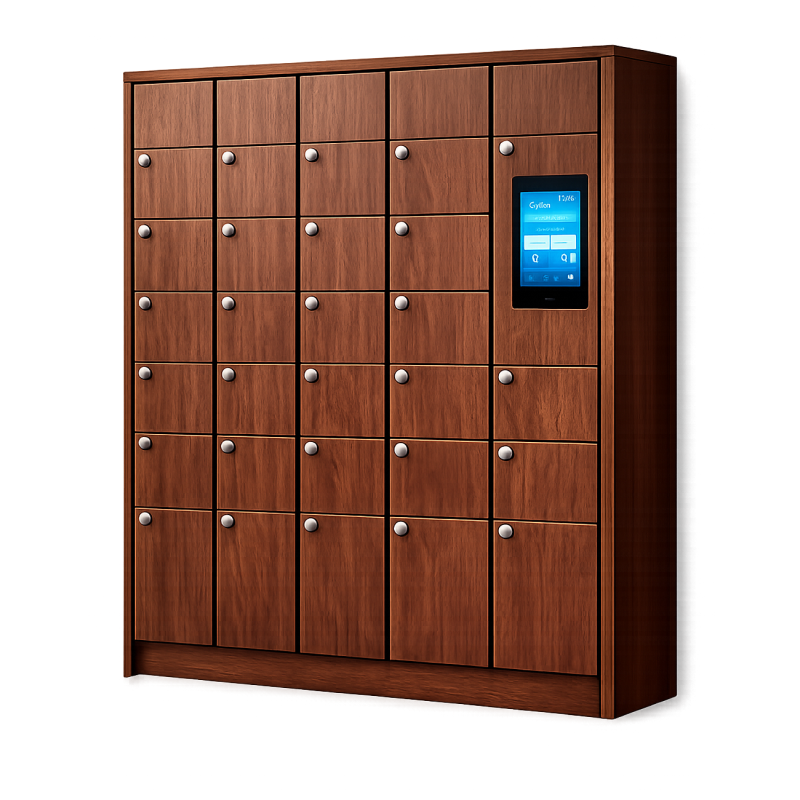
What is a keybox, and what is it used for?
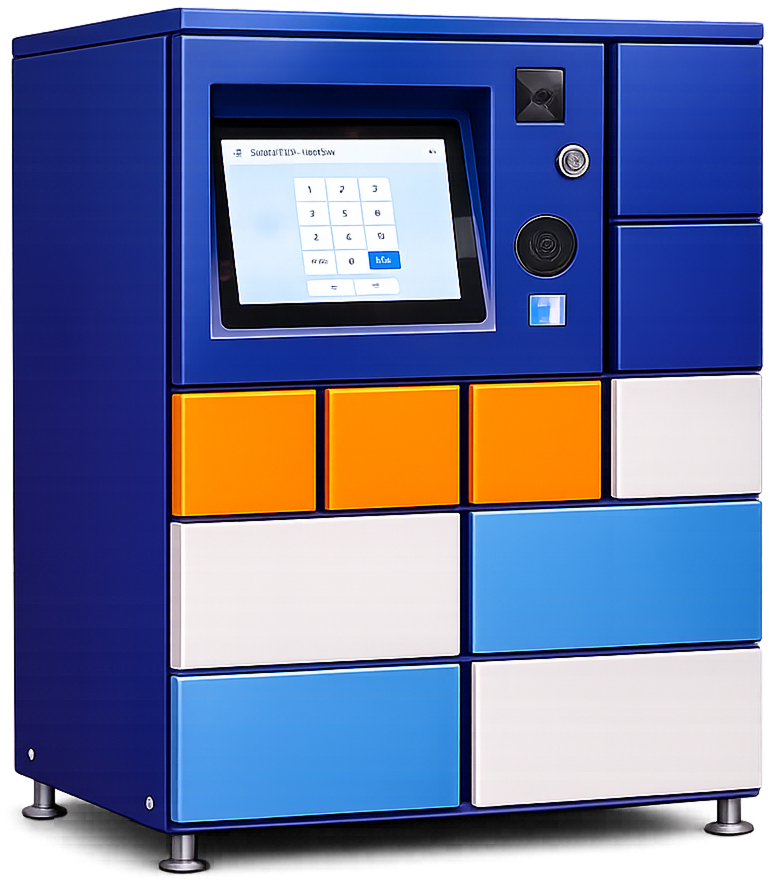
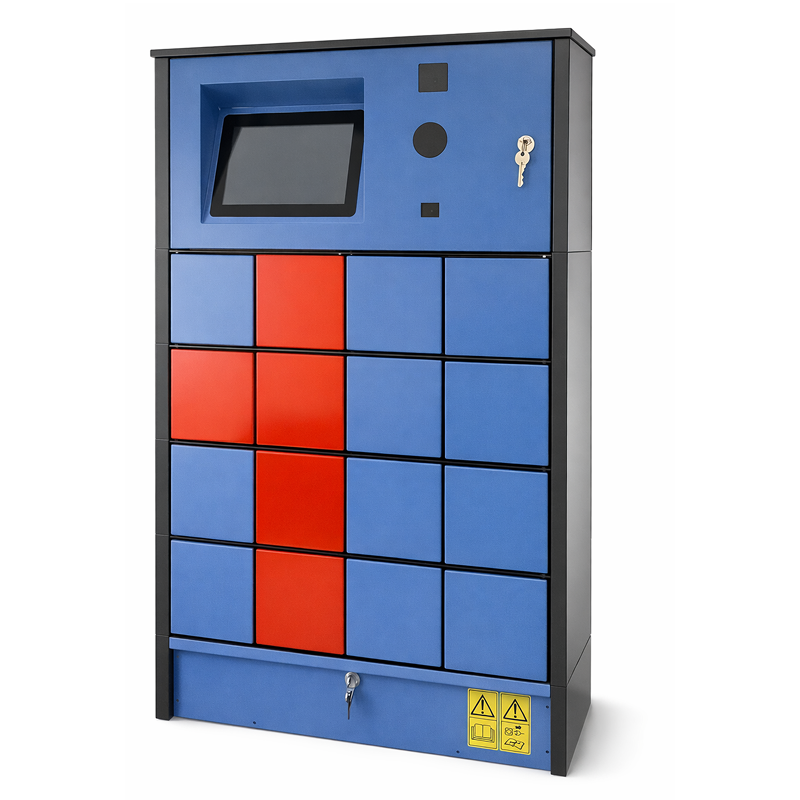
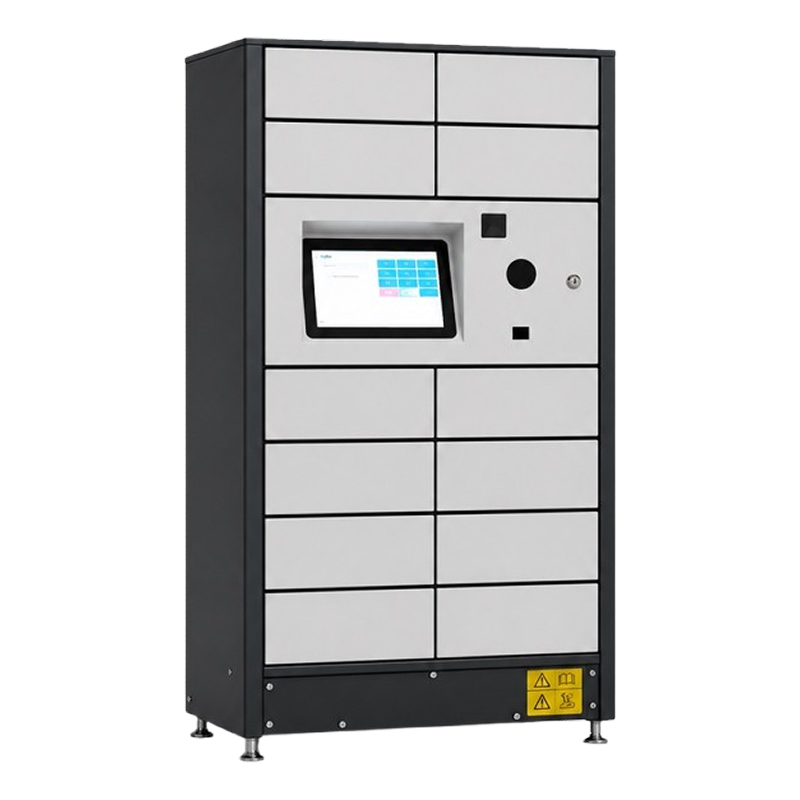
A keybox is a secure physical box used to store and hand over keys, cards, devices, documents, or other items. Users can access a specific keybox only after verification, such as via a PIN, QR code, or RFID card.
In the SmartFP environment, keyboxes are not just standalone lockers. They are part of a digital system that tracks reservations, monitors the validity period of access, sends notifications, and stores a history of all operations. This makes it possible to track who had access to the box, when it was opened, and whether the action was successfully completed.
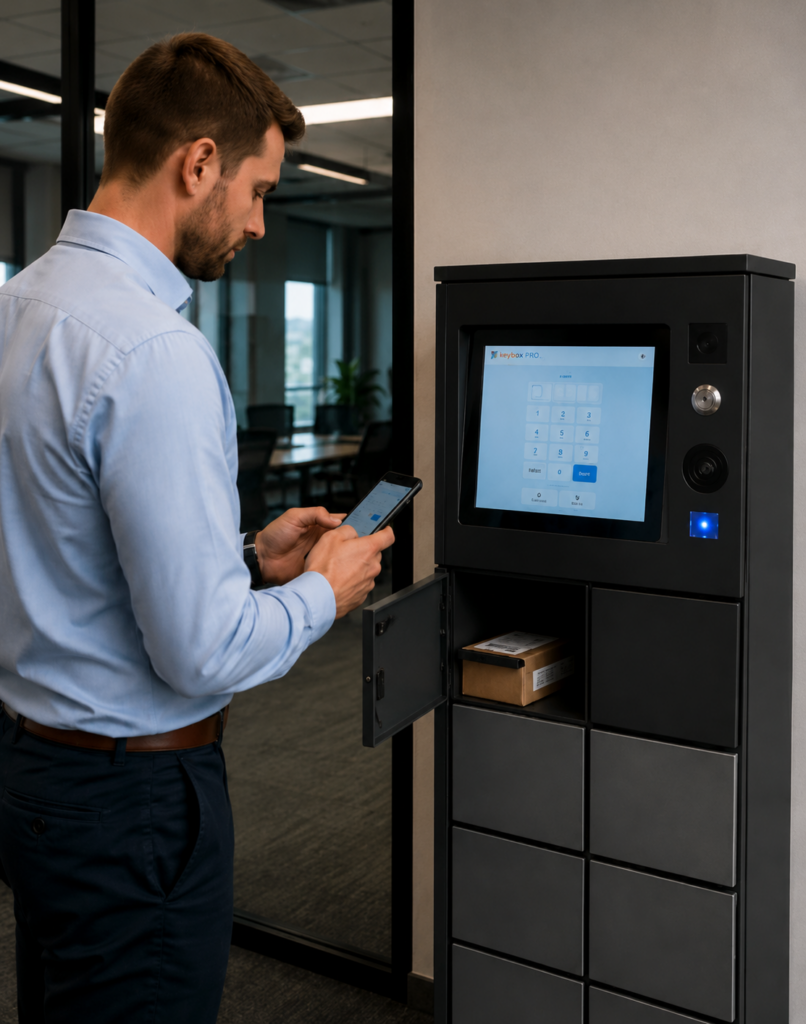
main functions
What Keybox Offers You
All the tools you need for the secure transfer of keys, devices, and other items—all in one place.
Mailbox Reservations
Every drop-off or pickup has a specific time, box, locker, and recipient.
Notification
Automatic emails or text messages upon pickup, drop-off, or when an action is not completed.
Logs and History
Every opening, closing, error, and access event can be traced in the system.
PIN, QR Code, and RFID
Access to the mailbox via PIN, QR code, or RFID card, depending on the settings.
Availability Overview
You can clearly see which mailboxes are available, occupied, or reserved.
Questionnaires After Pickup
You will receive confirmation of the item’s status or feedback after you pick it up.
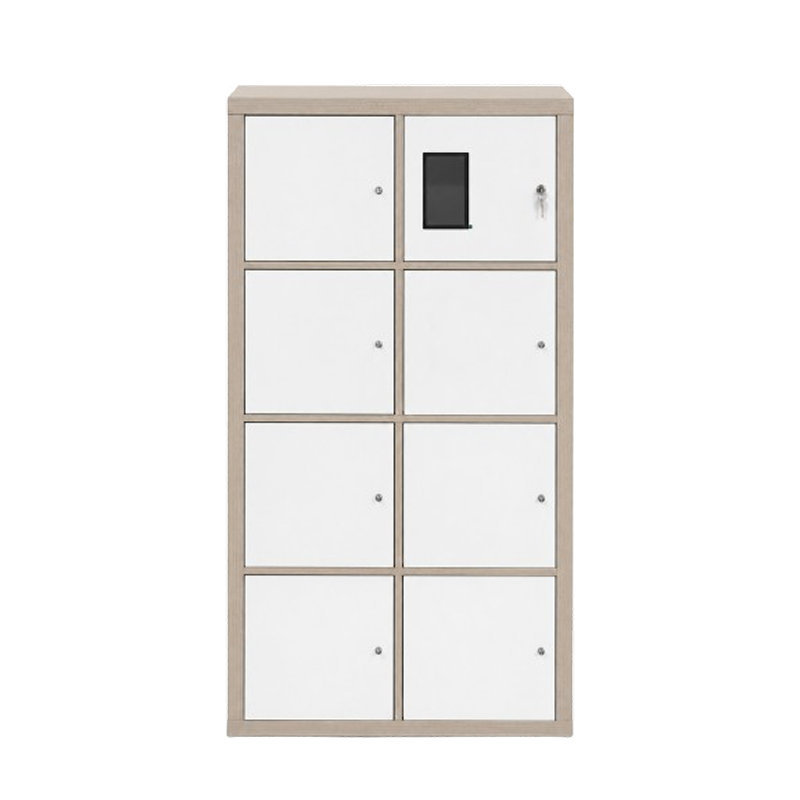
Wood or metal? We can even integrate our products with IKEA furniture.
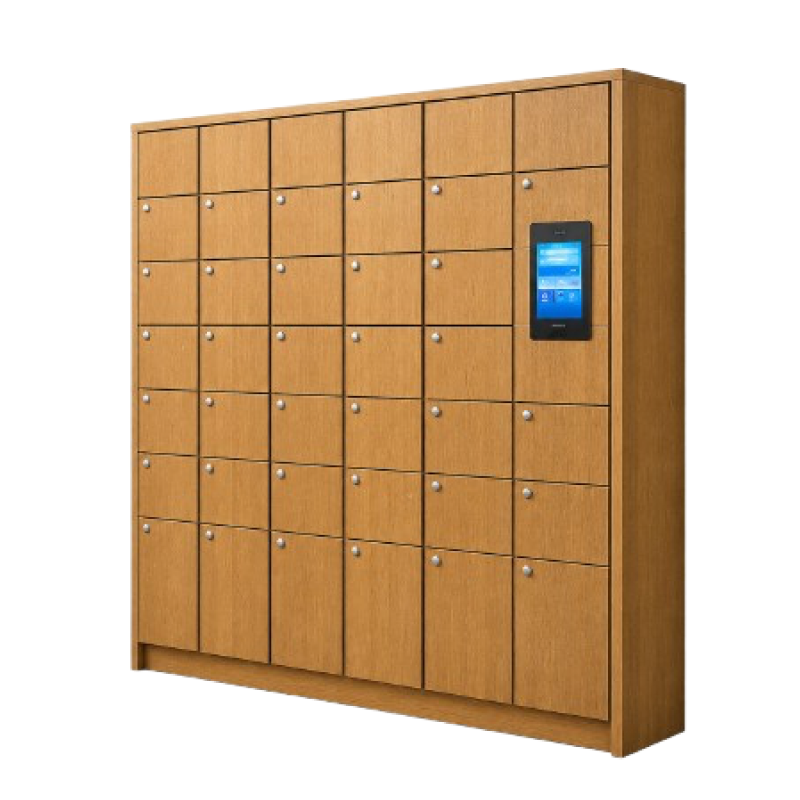
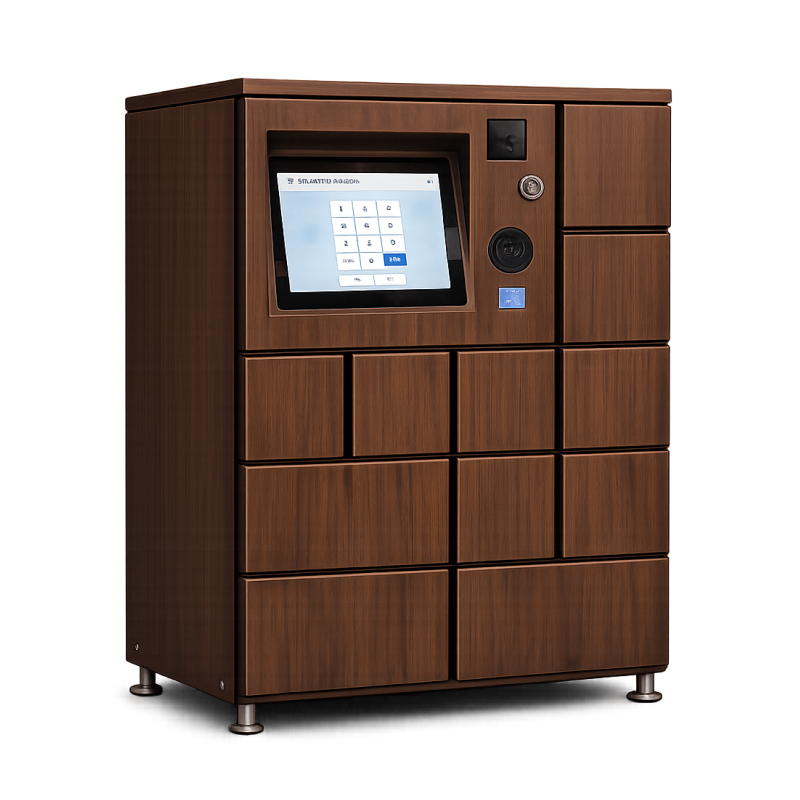
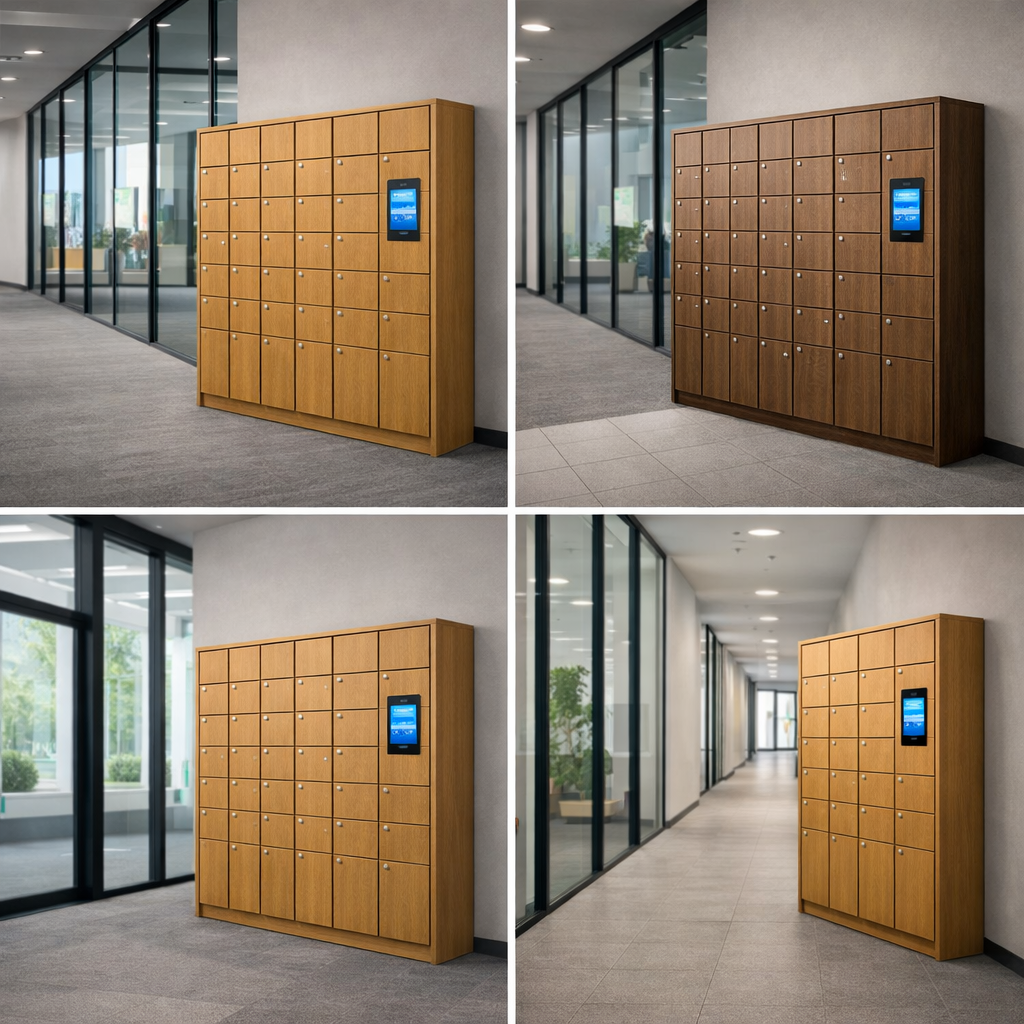
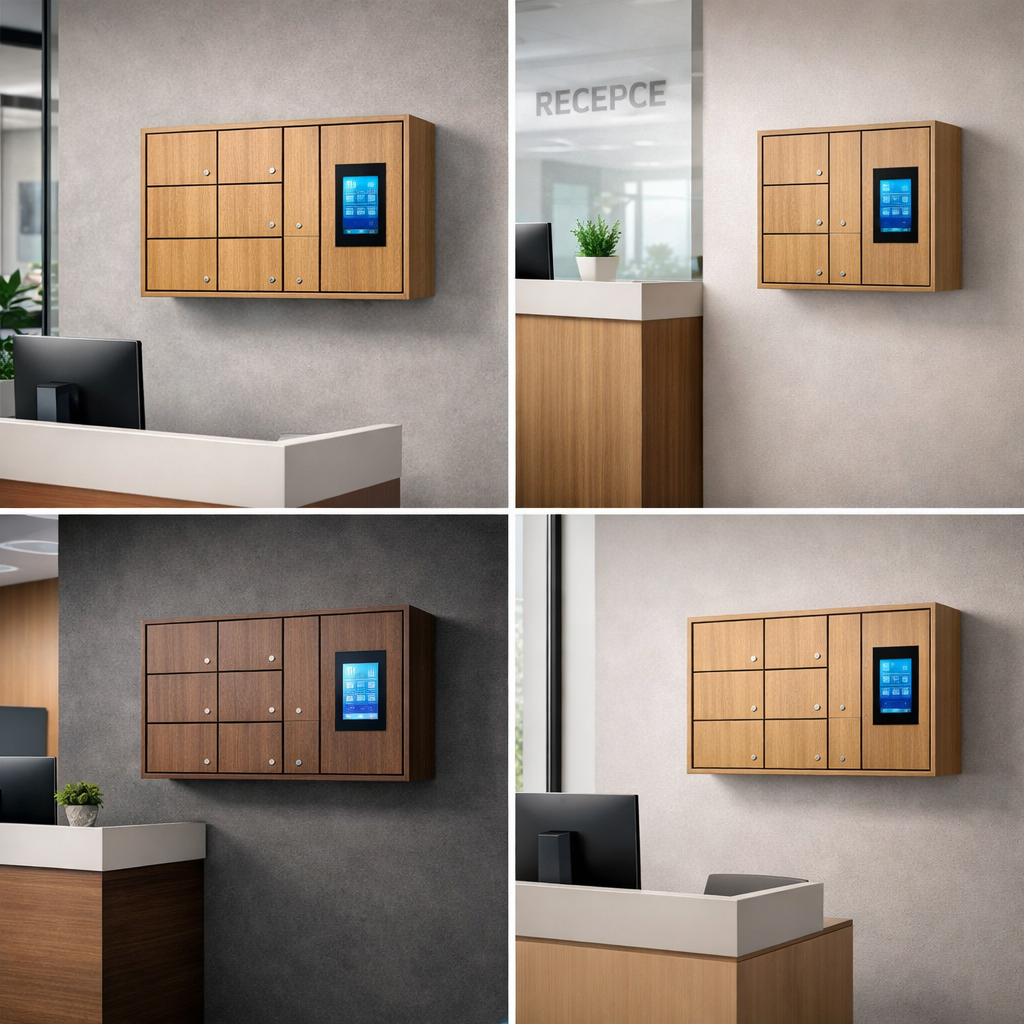
We can supply keyboxes in a durable metal design for industrial facilities, garages, or utility rooms, as well as in an elegant wooden version for offices, hotels, or reception areas.
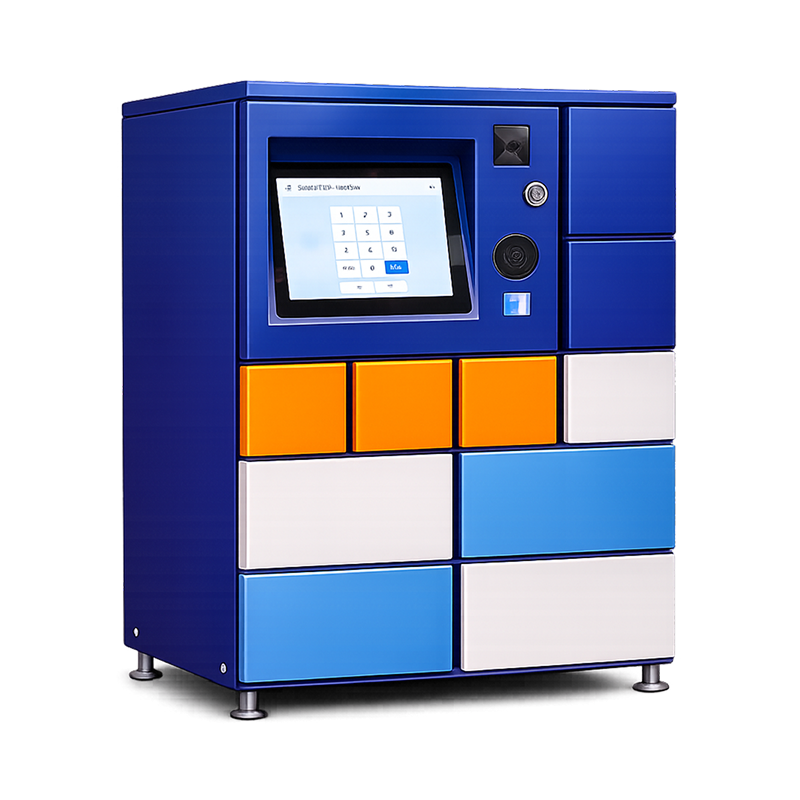
We can customize solutions based on the number of compartments, the size of items, colors, and the control method. And if you don’t want a standalone box, the technology can also be integrated into furniture, such as cabinets, reception desks, or IKEA units. The result is a smart storage system that fits seamlessly into the space while keeping track of who picked up what and when.
Problems vs. Solutions
When you hand things over in person, chaos ensues
Problems
Sharing PINs and Instructions Outside the System
Arranging the handover of keys or items in person
Waiting at the front desk, for the building manager, or for a coworker
Unclear Responsibility for Accepting an Item
Difficulty in tracing information during a complaint or inspection
How SmartFP solves it
Each pickup has its own reservation
Access via PIN, QR code, or RFID card
A clearly designated box, container, time, and recipient
Automatic SMS or email notifications
Time-Limited Access
Who for?
Who Are Keyboxes Suitable For?
Reception and Operations
Handing over keys, cards, documents, or small items without in-person coordination.
Fleet Management
Pickup and return of keys for company cars with a traceable history.
Facility Management
Handing over keys, technical equipment, or access to contractors at the specified time.
IT Department
Issuing devices, phones, chips, or service tools without manual supervision.
Hand over the keys without any unnecessary delay
The Keybox SmartFP ensures the secure storage, retrieval, and tracking of items. Simply set the rules, and the system will handle access, notifications, and handoff history.