
Module Functions
Purchasing tools that you can customize for your business
Forms, code lists, permissions, documents, suppliers, analytics, and integrations—all in one solution.
The module does not require you to change your internal rules. SmartFP configures itself based on the forms, roles, organizational structure, and integrated systems you use.
Agenda Settings
Customize your records to suit your needs
Every organization needs to track different data when making purchases. In some cases, the decision is based on the project and the order; in others, it depends on the department, the capital budget, or the type of goods being purchased.
SmartFP allows you to customize a module’s data structure without creating separate tables for individual departments.
Result for the administrator: A single, consistent set of records that complies with your organization’s rules and glossary.
Custom Fields
Fill in the text, numeric, date, drop-down, or required fields.
Types and Categories
For example, distinguish between services, materials, investments, IT, and operational purchases.
Organizational Structure
Work with centers, projects, orders, branches, or budgets.
Item Lists
Standardize the names, units, rates, codes, and other information used for items.
Supplier Catalog
Maintain contact information, identification details, categories, and internal information about suppliers.
Number Sequences
Set a custom number format based on the year, company, or document type.
Data Checks
Required fields and validation rules will prevent incomplete or inconsistent entries.
Audit History
You can view changes to values, the author of the edit, the time, and related documents.
Permissions and Rules
Determine who can view and make decisions, without having to manually monitor permissions
Access can be controlled based on the user, group, role, company, cost center, or other organizational affiliation. The same rules apply to both available records and reports.
Result for administrators: Sensitive business data is accessible only to those who need it for their work.
Take advantage of the structure you already have in place at your company
Users and groups can be synchronized from Microsoft AD or Google. Single sign-on (SSO) simplifies account management and makes employees’ work easier.
Roles | Groups | SSO | Access Audit
Order Templates
Define the appearance, content, numbering, and conditions of the resulting documents.
Electronic Signatures
Link documents to Signi or eSigno based on the required signature level.
Attachments and Versions
Keep quotes, specifications, confirmations, and other supporting documents in a single record.
Links Between Modules
Link suppliers and documents to invoices, contracts, or other SmartFP tasks.
Purchasing Analytics
Turn your records into decision-making tools
Reports can be generated by supplier, category, organizational unit, project, user, time period, or custom fields.
Each role can have its own dashboard—ranging from a personal overview to an organization-wide summary.
Benefit for management: The data has a consistent structure and can be compared without having to merge multiple tables.
Automation and Integration
Expand the module withoutcreating an isolated system
SmartFP can function as a standalone module or as part of a broader platform. It exchanges data with the company’s existing applications through integration interfaces.
Benefit for IT: Users work with up-to-date data, and there is no need to maintain the same information in multiple locations.
Notification Rules
Configure events, recipients, channels, and the content of system messages.
API interface
Connect your accounting system, ERP, data warehouse, or other internal applications.
Imports and Exports
Transfer dials and data in the agreed-upon format without having to retype them manually.
Modular Expansion
Add Invoices, Contracts, Projects, or other modules on the same platform.
Connect the module to the Invoice Register
Take advantage of shared suppliers, organizational data, and links between documents in related modules.
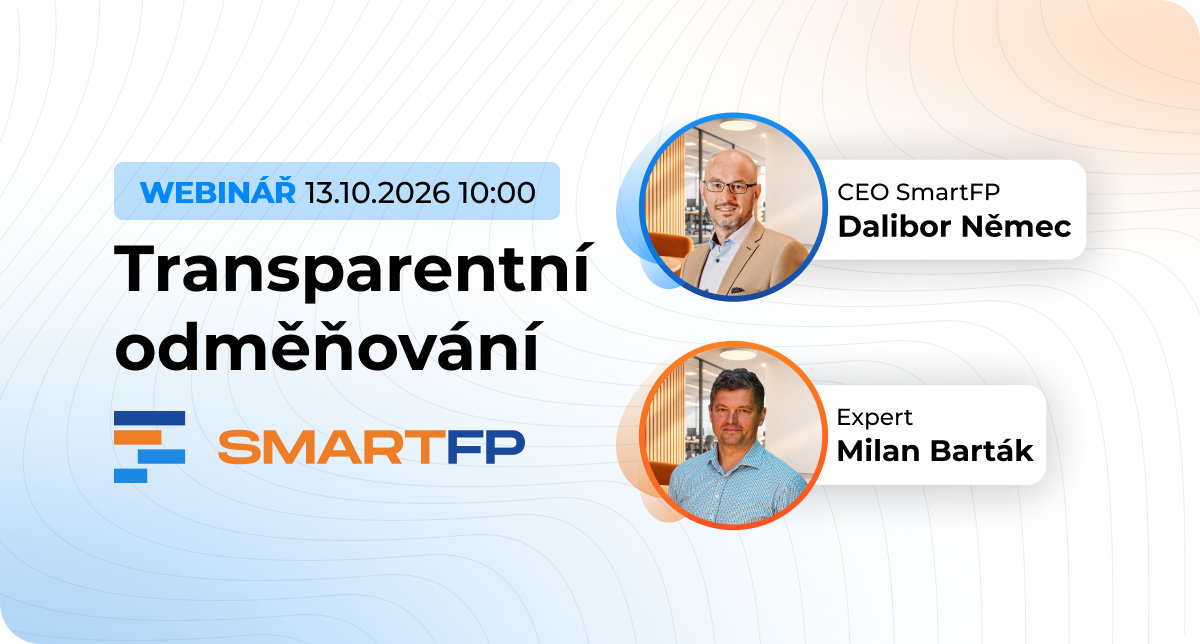
Webinar Recording Transparent Compensation: What to Expect and How to Approach It The amendment to the Labor Code will impose new obligations…

No More Invoice Approval via Email: Foreigners.cz Saves Two Days
How the relocation agency Foreigners.cz replaced lengthy email threads with a streamlined invoice workflow in SmartFP, including the extraction of…

Transparent Compensation: What Lies Ahead for Czech Companies and Why
On August 31, 2026, the government approved an amendment to the Labor Code , which transposes the European Directive on…

How We Digitized Time and Attendance and Vacation Tracking for
How Auto Jarov Eliminated Manual Data Entry and Saved the Payroll Department Three Days of Work Each Month Attendance and leave ~600…
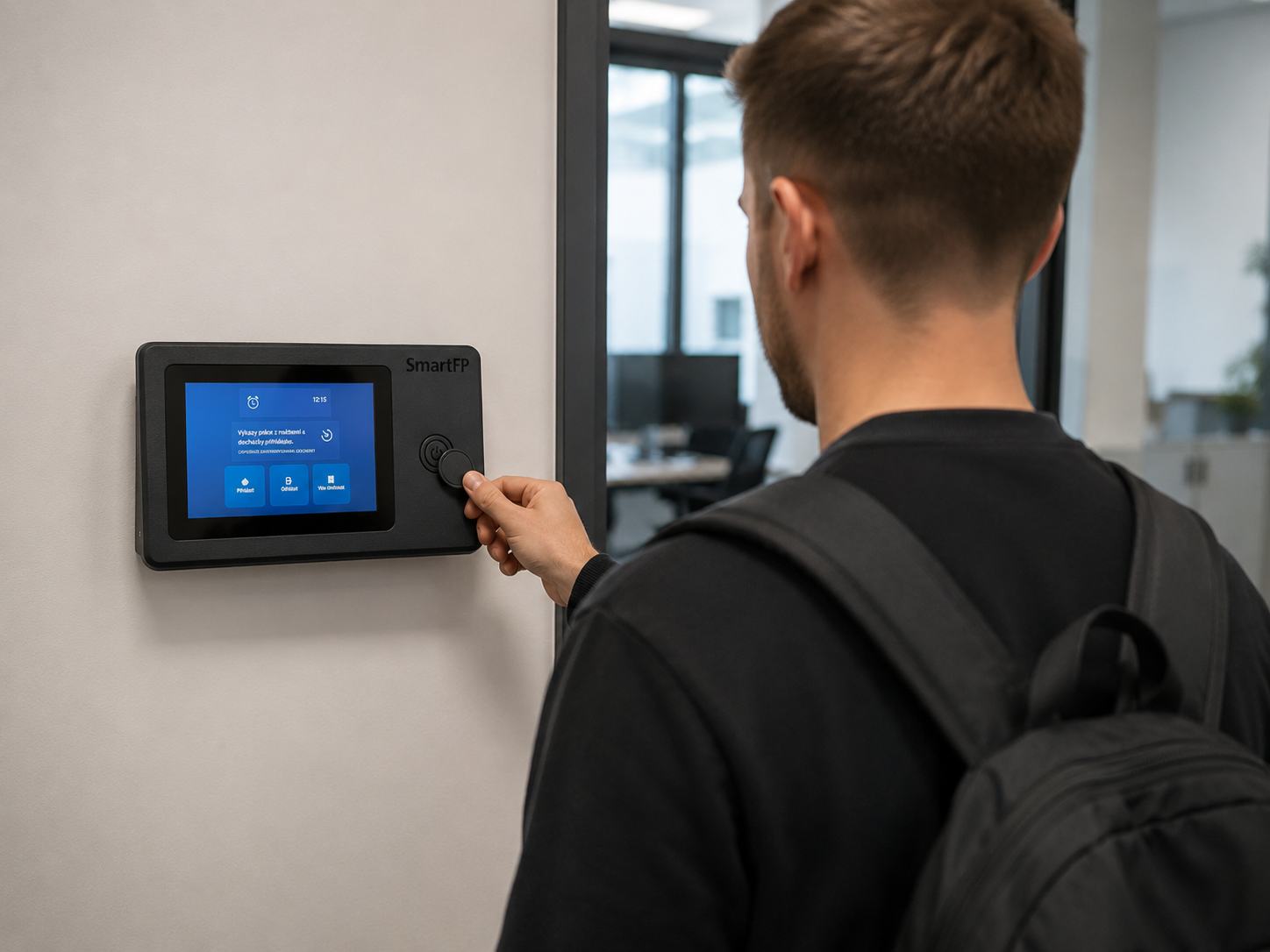
How a Smaller Company Digitized Attendance and Vacation Tracking with SmartFP—online requests, clear approval processes, and an overview of who’s…

How Kooperativa Simplified the Process of Handing Over Keys to
Kooperativa has integrated vehicle reservations with SmartFP Keyboxes. Employees can nowpick up and return keys on their own, without waiting…
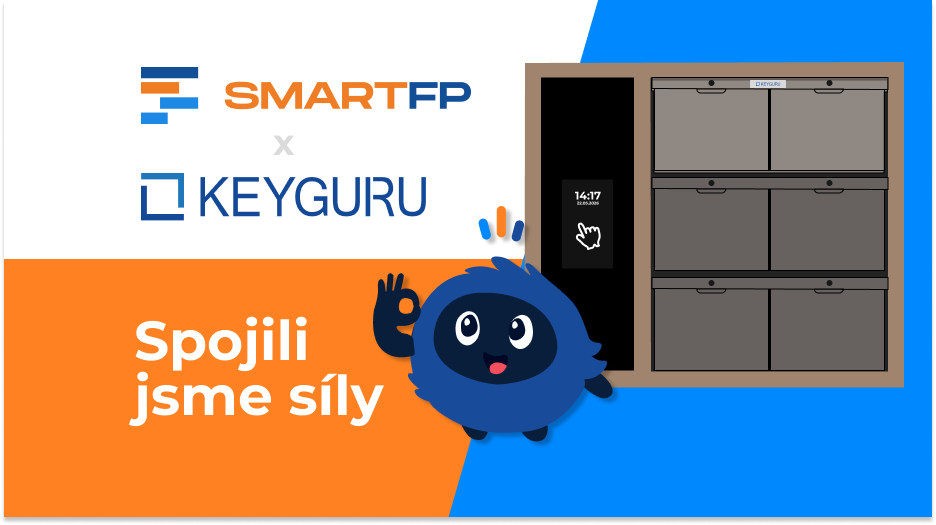
No More Confusion With Keys in Fleet Management. That’s How We Did It They resolved the issue with…

AAA AUTO has accelerated the resolution of IT requirements thanks
When the original ticketing system is no longer sufficient IT requirements were under control. The problem was that the system that…

The biggest asset management problem? Not knowing who’s carrying what
The customer has already registered the property. He therefore did not suggest that he had no knowledge of it. The…

SmartFP simplified onboarding and gave HR processes a clear order
A medium-sized organization struggled with onboarding consisting of emails, attachments, manual transcription, and unclear responsibilities. As the number of employee…
Customize Your Shopping List
Select the features, dials, permissions, and integrations that best suit your organization.