Module Functions
Everything you need for corporate training in one place
From course creation to tests and progress tracking, all the way to analytics and integration with onboarding, document familiarization, and the self-service kiosk.
Course Development and Distribution
Customized courses that reach the right people
You can put together a course using your own materials, articles, and documents, and assign it to specific individuals or an entire group. You can tailor the content to the needs of individual positions within the company.
Benefits for HR: You can get your training plan up and running without spreadsheets or having to keep track of deadlines.
Courses and Materials
Courses, articles, and documents—all neatly organized in one place.
Targeted Assignment
You can assign a course to an individual, a team, or an entire position.
Company-Specific Content
You can upload the materials and adapt them to your specific needs and target competencies.
Automatic Notifications
Employees will receive notifications about newly assigned courses.
End-of-Course Tests
You will verify that the employee has truly mastered the material.
Analytics and Results
Course success rates, engagement levels, and results achieved.
Record of Completed Courses
For each employee, you can see what they’ve completed and what their results were.
Comments on Unfinished Items
Anyone who hasn’t completed the course will receive an automatic reminder.
Tests and Progress Tracking
Education where you know how it turned out
Employees study at their own pace and at a time that works for them. You can see their progress, test results, and who needs a reminder.
Benefits for HR: You can access data on course success rates and employee engagement with just a few clicks.
Connection to Other Modules
E-learning integrated into the company’s overall operations
The module doesn’t stand alone. It builds on onboarding, document familiarization, the self-service kiosk, and electronic signing, so the training fits seamlessly into existing processes.
Onboarding
Onboarding courses are automatically assigned to new employees when they start.
Getting to know the documents
Where it’s enough to review and approve a document, you use orientation; where training is needed, e-learning comes into play.
Kiosk for Employees Without a PC
The employee logs in with their card and takes the course directly at the facility.
Electronic signing
Where a signature is required, the electronic document signing module takes over.
Read our case study
See how SmartFP helps companies digitise their daily agenda in practice.
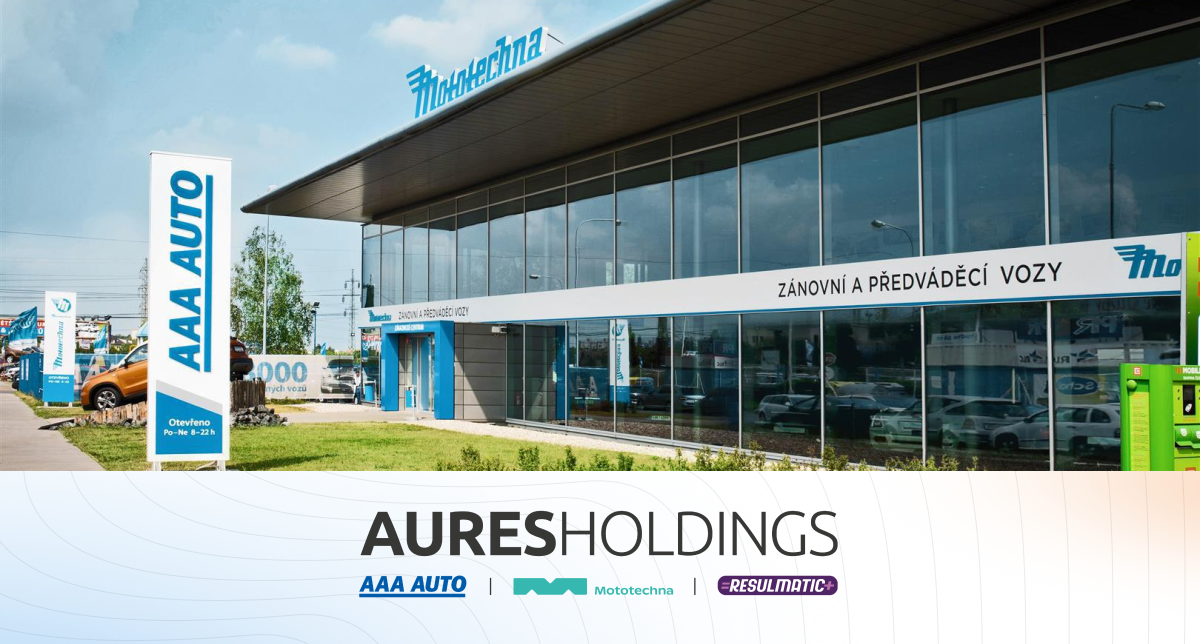
AAA AUTO has accelerated the resolution of IT requirements thanks
When the original ticketing system is no longer sufficient IT requirements were under control. The problem was that the system that…
Get Started with Online Corporate Training
Find out who has completed the course, how the tests went, and who to send a reminder to.