Documents
‘s Document Workflow Feature in SmartFP
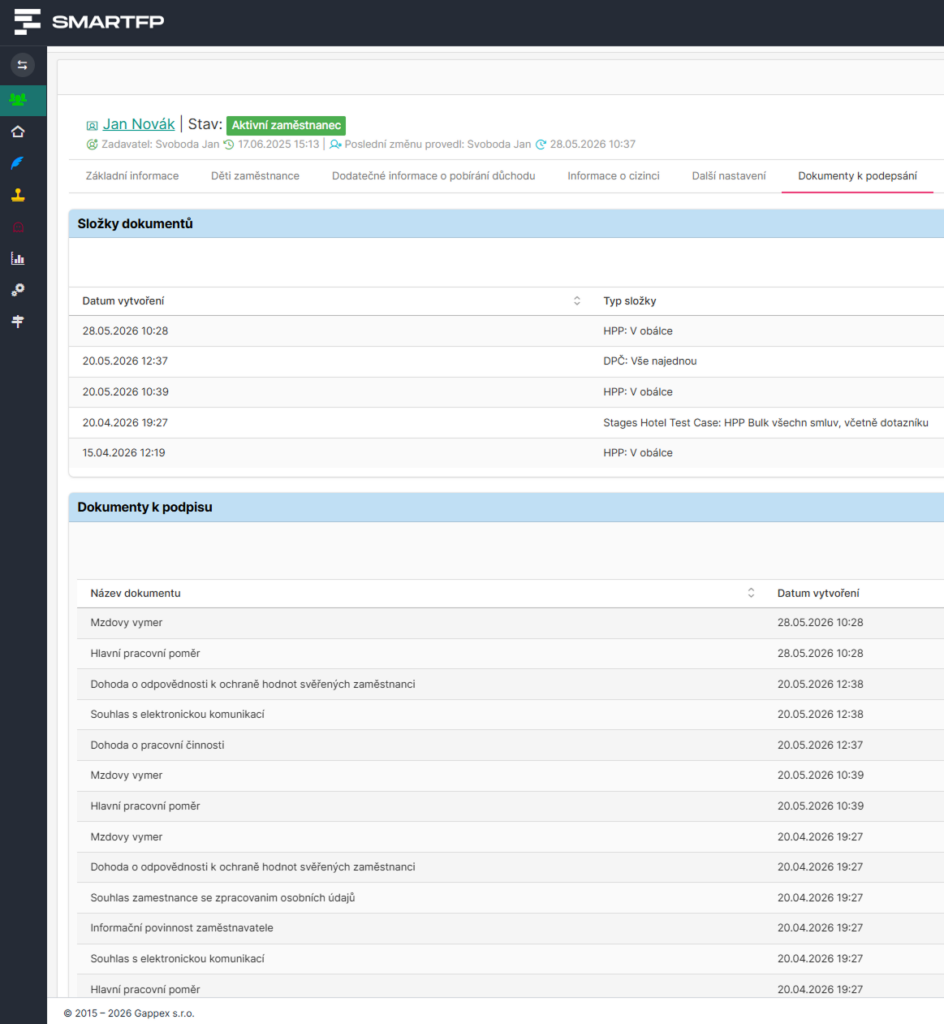
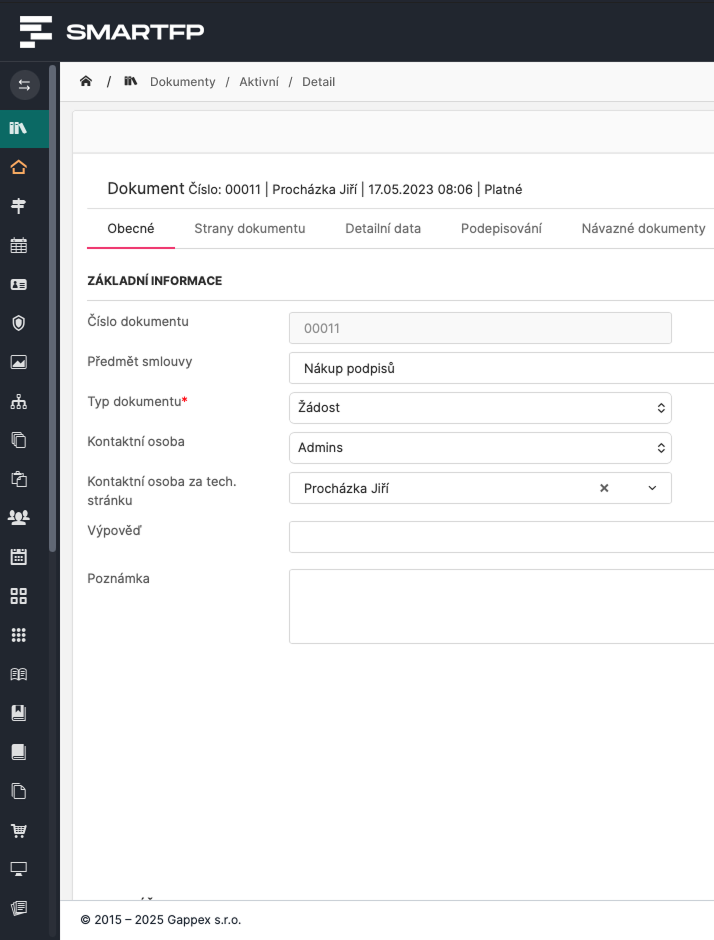
In SmartFP, every document has its own location, status, assigned person, and history—from creation through review and approval to publication, archiving, or acknowledgment of receipt.
Document Registry
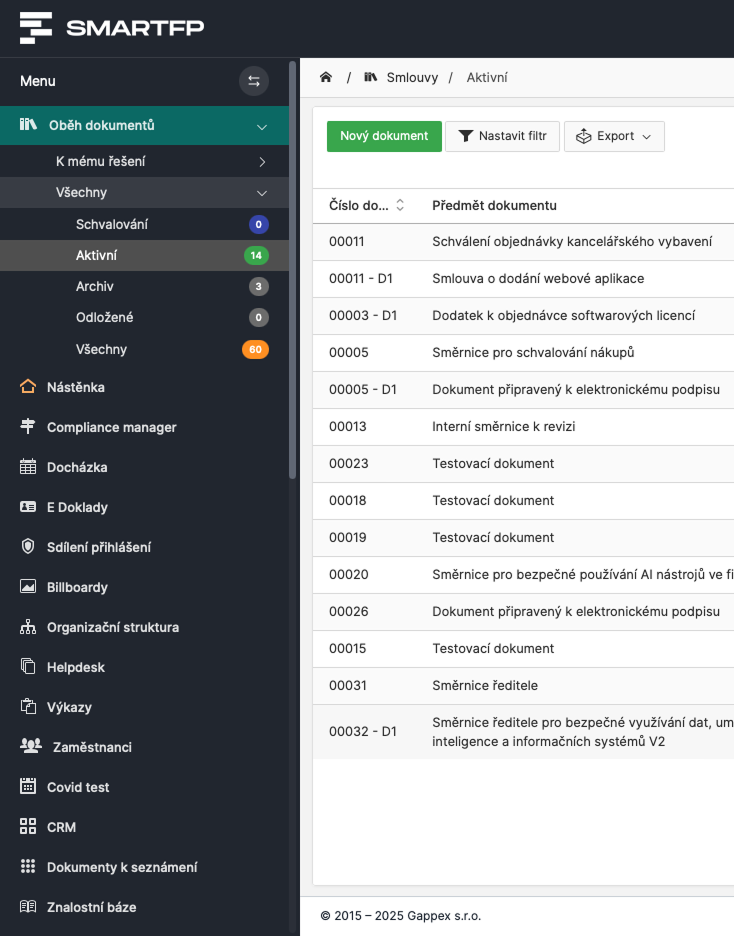
Store guidelines, methodologies, protocols, internal documents, and attachments in a clear and organized manner in one place.
Comments
Involve selected individuals or departments in reviewing the document before it is approved.
Document Approval
A document may go through an approval process depending on its type, department, or internal policies.
Publication of Documents
An approved document can be made available to specific users, teams, or the entire organization.
Introduction
Publications and Introduction to
Without Manual Monitoring
Once a document has been approved, you can manage its publication in SmartFP and follow up with acknowledgments. This allows you to know who has been granted access to the document, who has reviewed it, and where reminders are needed.
Publication of the Document
An approved document can be made available to selected users, departments, or the entire organization.
Confirmation of Acknowledgment
Users can confirm that they have read the document.
Status Overview
You can see who has already approved the document and who is still waiting to review it.
Reminder to Users
The system can notify users who have not yet confirmed.
AI Analysis
‘s AI Helps You Navigate Documents Faster
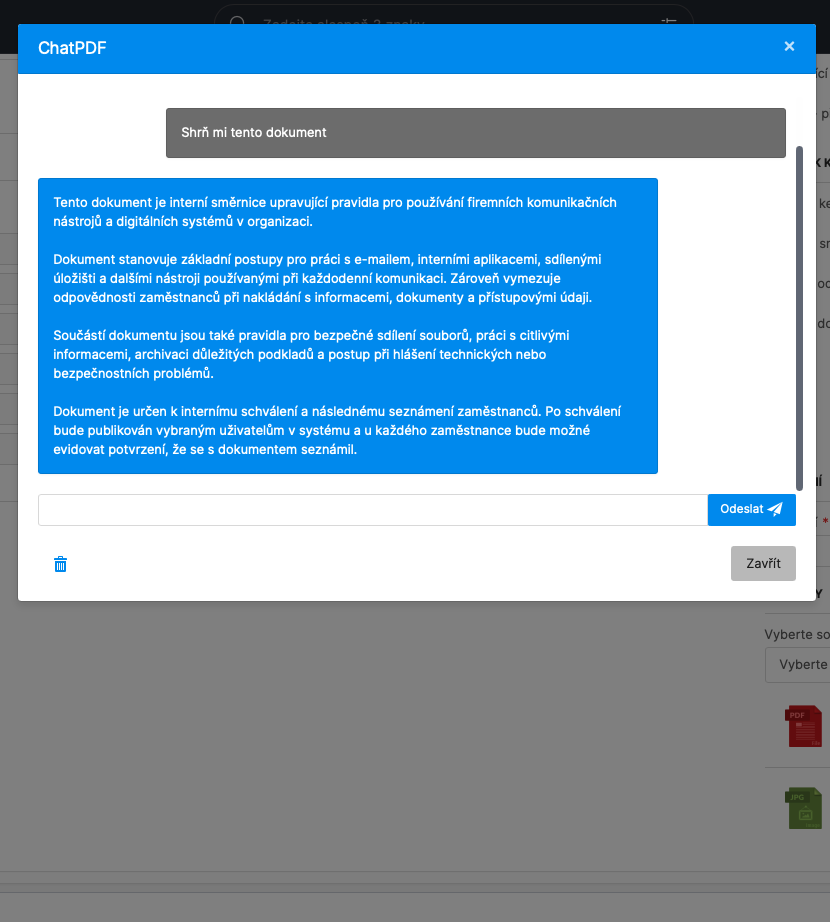
You can use AI analysis on selected documents. SmartFP can help you quickly summarize a document, find important information, or answer questions about its content. It’s especially useful for longer guidelines, methodologies, internal documents, or attachments that you need to review quickly.
Summary of the Document
The AI will prepare a brief summary of the document’s main points.
Questions About the Document
You may ask about specific rules, obligations, deadlines, or sections of the document.
Quick Check
It will help you find important information more quickly before providing feedback or approving a document.
Decision Support
It will make it easier to navigate documents that would otherwise have to be read in their entirety by hand.
Connecting Modules
Related Documents with other processes
SmartFP is more than just a repository for PDF files. You can link documents to other modules, employees, internal policies, contracts, assets, or onboarding processes. This ensures that the documents better reflect how the organization actually operates.
Staff
Internal documents can be linked to employees, teams, or the organizational structure.
Contracts
Documents, addenda, and attachments may be related to contractual matters.
Internal Standards
Suitable for guidelines, methodologies, rules, and controlled corporate documentation.
Integration
Data from documents can be integrated with other company systems and processes.