
Keep the entire shopping process under control
From the purchase request through approval to the order placed with the supplier. SmartFP integrates the entire process into a single, easy-to-use system.
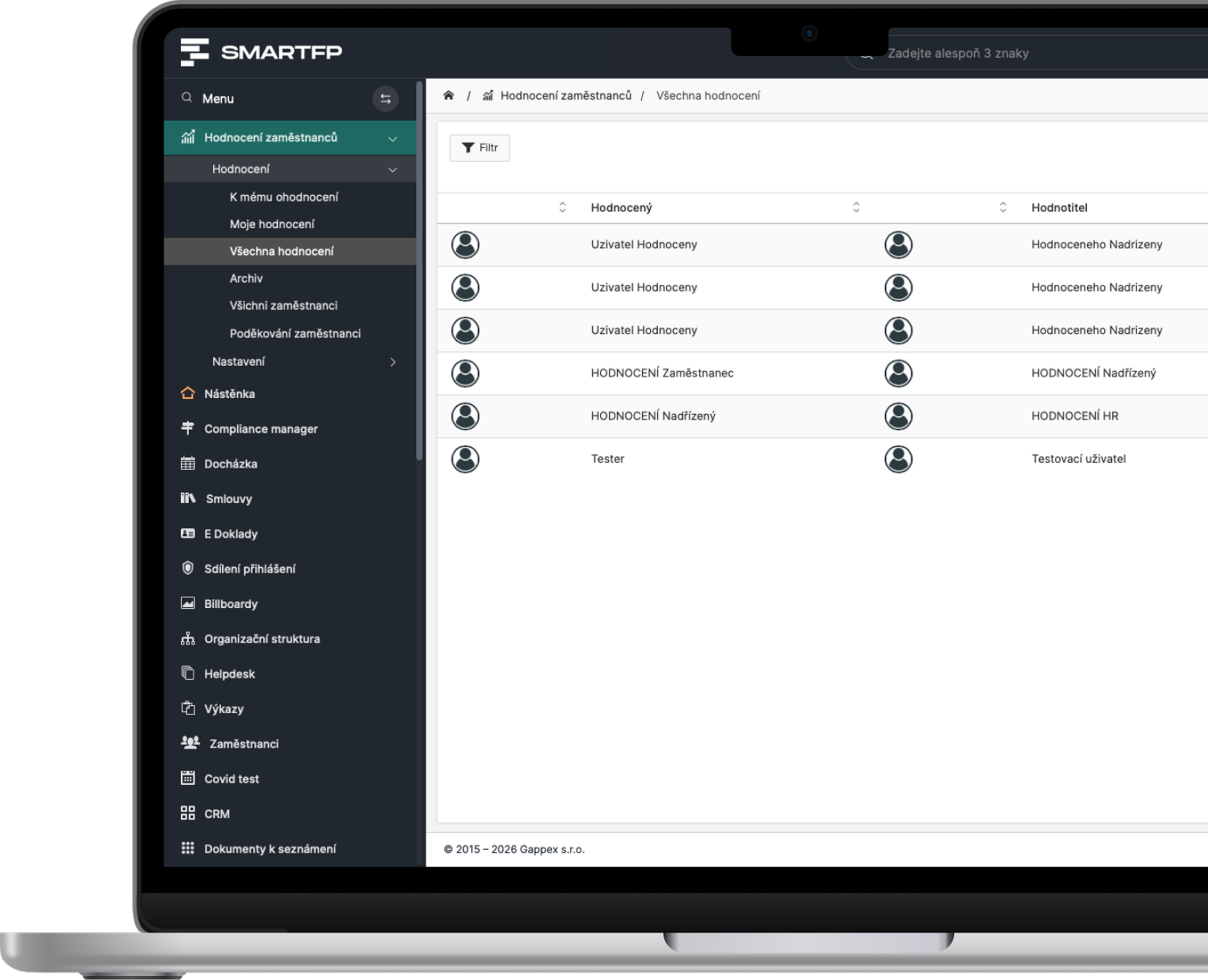
main functions
Everything You Need for Purchasing and Order Management
From the initial request through multi-level approval to the order, its confirmation, and subsequent evaluation.
Purchasing Requirements
Employees will fill out the standardized form with the supplier, items, purchase type, cost center, and any necessary attachments.
Automatic Approval
Requests are forwarded to the appropriate approvers, and the system notifies them via the app, email, or text message.
Multi-level workflow
Manage your workflow based on amount, cost center, or purchase type, and take advantage of pre-approved suppliers or electronic signatures.
Order Records
Generate PDF requests for quotes and orders, and keep track of suppliers, items, prices, deadlines, attachments, and status.
Confirmation from the Supplier
Send the order to the supplier, obtain confirmation from them, and, upon delivery, record the receipt and any subsequent shipments.
Reports and Reporting
Track purchases by location, user, supplier, or time period. Report availability is based on user permissions.
Problems vs. Solutions
Corporate Purchasing Needs Clear Rules
When requests are made via email, in spreadsheets, or verbally, it’s easy to lose track of what’s being purchased, who approved the purchase, and how much the company is ordering.
Problems
Requests come in through various channels
Email, phone, a spreadsheet, or a verbal agreement.
It is unclear who is responsible for approving this
Requests are delayed or directed to the wrong people.
Approval is being searched for in emails
There is no clear history of decisions and changes.
Orders are not all in one place
The departments maintain their own records and spreadsheets.
There is no overview of costs
Management has a hard time determining what is being purchased, from whom, and at what price.
How SmartFP solves it
Standard Purchase Form
All requests are created in the same way and stored in a central database.
Automated Workflow
SmartFP determines the appropriate approvers based on the rules.
Central Registry
Requests, orders, attachments, and history are all in one place.
Current Purchase Status
Everyone can see who is next in line and what stage the purchase is in.
Data for Cost Management
The reports show costs by supplier, cost center, and category.
From Order to Invoice
The purchasing process can be integrated with invoice tracking, accounting software, or an ERP system. You can link an invoice to a purchase order and transfer the approved data via API or direct integration.
Requirement
Approval
Order
Invoice
Keep Your Shopping Under Control
A standardized process, automated approval, and an instant overview of what the company is ordering and how much it is spending on purchases.

How Purchases and Orders Work in Practice
An employee creates a request
They fill out a standard form, listing the items, price, type of request, and cost center. If they do not yet have a supplier, they generate a PDF request for quotation.
All requests are generated in a uniform manner.
SmartFP will initiate the approval process
Based on the amount, department, or type of purchase, the system identifies the appropriate approvers and sends them notifications. The process can take pre-approved suppliers into account.
The request will automatically be forwarded to the right people.
An order will be created
Once approved, a PDF order will be generated, which you will send to the supplier. You will then record the supplier’s confirmation, receipt of the goods, and any subsequent shipments.
You can track the status, fulfillment, and complete purchase history.
Who for?
Who Is “Purchases and Orders” in SmartFP For?
Staff
They simply create a request and can see what’s happening with it at any time.
standard form
Attachments and Offers
Current Status of the Request
Managers and Approvers
They approve only those requests that fall within their jurisdiction.
automatic transfer
Approval Based on Limits
multi-level workflow
Purchasing Department
It keeps all requests and orders in a single, centralized database.
order management
supplier database
deadline tracking
Finance and Management
Get an overview of planned and completed purchases.
cost overview
Breakdown by Center
Reporting and Analysis
Integrate Purchasing with Other Business Functions
Link orders to invoices and reuse the data you’ve already entered in the subsequent process.

Webinar Recording Transparent Compensation: What to Expect and How to Approach It The amendment to the Labor Code will impose new obligations…

No More Invoice Approval via Email: Foreigners.cz Saves Two Days
How the relocation agency Foreigners.cz replaced lengthy email threads with a streamlined invoice workflow in SmartFP, including the extraction of…

Transparent Compensation: What Lies Ahead for Czech Companies and Why
On August 31, 2026, the government approved an amendment to the Labor Code , which transposes the European Directive on…

How We Digitized Time and Attendance and Vacation Tracking for
How Auto Jarov Eliminated Manual Data Entry and Saved the Payroll Department Three Days of Work Each Month Attendance and leave ~600…
How a Smaller Company Digitized Attendance and Vacation Tracking with SmartFP—online requests, clear approval processes, and an overview of who’s…

How Kooperativa Simplified the Process of Handing Over Keys to
Kooperativa has integrated vehicle reservations with SmartFP Keyboxes. Employees can nowpick up and return keys on their own, without waiting…

No More Confusion With Keys in Fleet Management. That’s How We Did It They resolved the issue with…

AAA AUTO has accelerated the resolution of IT requirements thanks
When the original ticketing system is no longer sufficient IT requirements were under control. The problem was that the system that…

The biggest asset management problem? Not knowing who’s carrying what
The customer has already registered the property. He therefore did not suggest that he had no knowledge of it. The…

SmartFP simplified onboarding and gave HR processes a clear order
A medium-sized organization struggled with onboarding consisting of emails, attachments, manual transcription, and unclear responsibilities. As the number of employee…
Learn how to use SmartFP in minutes
You can customise the system to make it easy to use for everyone. Accountants, receptionists and bosses. On the computer and in the mobile app. Just a few details below. We will contact you and suggest a date for a demonstration, free of charge and without obligation.
FAQ
Your most common questions
Looking for answers to your questions or need help with our system? We’ve put together a list of frequently asked questions where you can find useful information and solutions to common problems. If anything is not clear to you? Send us a question.
What does the Purchasing and Orders module handle?
It manages the entire process, from the purchase request through approval to the order placed with the supplier.
Can multi-level approval be set up?
Yes. Workflows can be managed based on amount, cost center, purchase type, organizational structure, and other rules.
What information can an order contain?
Suppliers, line items, prices, due dates, cost centers, attachments, and other company information.
Can the order be sent to the supplier?
Yes. An order can be forwarded to the supplier, and its shipment and confirmation can be tracked.
Who can view requests and orders?
Only users with the appropriate permissions based on their roles and the organizational structure. Users can be synchronized from Microsoft AD or Google and log in via SSO.
Can the applicant see the current status?
Yes. For each request, they can see the current status, past approvals, and follow-up steps.
Can purchases be filtered and analyzed?
Yes. Purchases can be filtered by supplier, cost center, category, time period, status, and other parameters.
Can orders be linked to invoices and the ERP system?
Yes. An invoice can be linked to a purchase order, and approved purchase orders can be synchronized with accounting software or an ERP system via an API or a direct connection.