
Step-by-step invoice process in SmartFP
SmartFP invoices work as a simple process that corresponds to reality: receipt → approval → processing → export → archive. Each step has a clear status and is traceable.
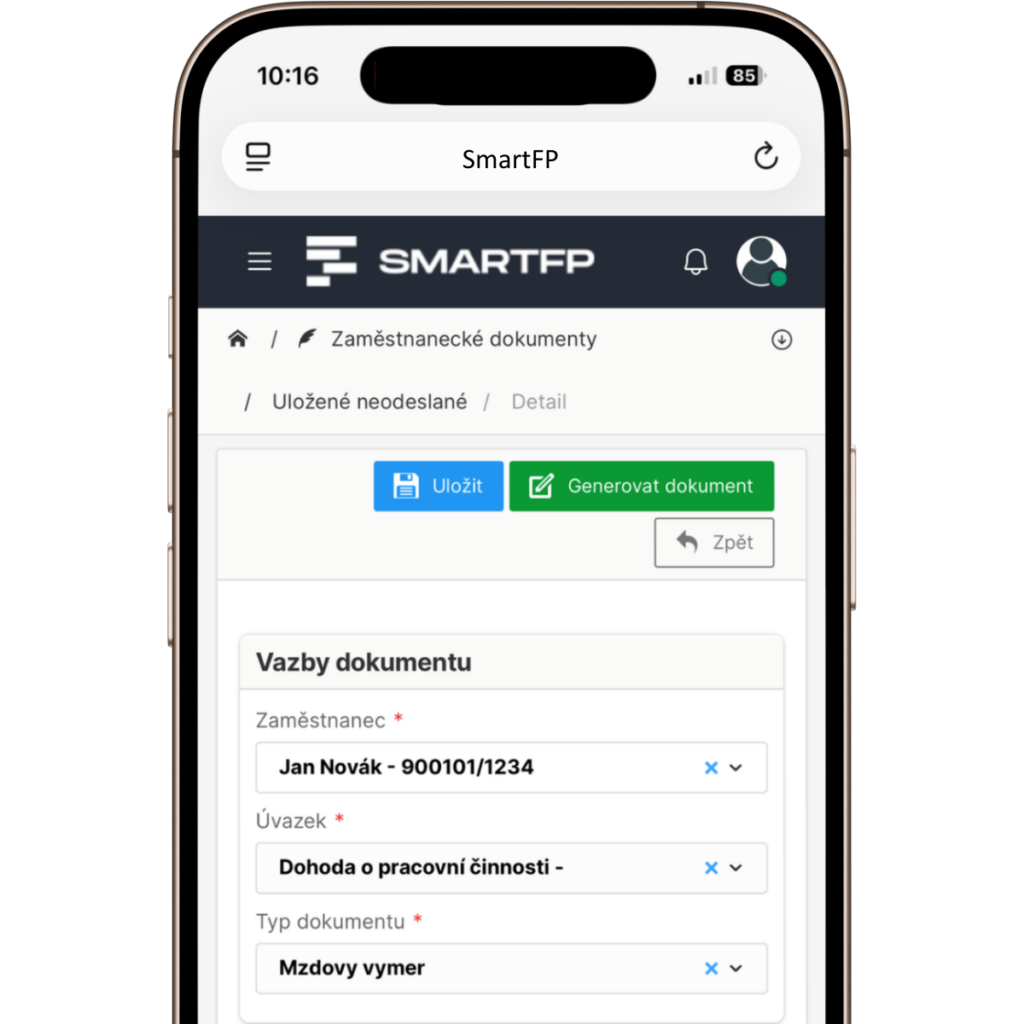
How the invoice is processed in SmartFP
Receipt of invoice
You can quickly register the invoice and capture the relevant data.
- the data is read from the attachment or entered manually
- attach documents (PDF, scan, attachments)
- the invoice gets a status and can go straight to approval
Invoice approval
Approval is online and according to your rules.
- the approver sees the pre-filled data and attachments
- approve / return for completion / reject with comments
- the system records who/when/how the decision was made
Accounting/archive
Only the necessary information for accounting and control is added.
- checking amounts and filling in missing data
- assignment to department / project / order (as required)
- preparation of the document for export
Export and transfer to accounting
Accounting works with one data without overwriting.
- mark approved invoices for export
- the system monitors consistency and readiness
- data follows the previous steps (without double entry)
Archiving and control
Everything is traceable – for internal control and audit.
- electronic archive including attachments
- filters by supplier, status, approver, period
- audit trail: who set up, who approved, when, what changed
find out why
Get rid of unnecessary errors and speed up invoice processing
Cost savings
By digitising your invoices, you can reduce costs associated with printing, paper purchases and postage. You also don’t have to fill your file cabinets with hundreds of documents.
Clarity and accessibility
In the electronic register, you have all your documents in one place and can access them from anywhere, even from your mobile phone.
Control of payables and maturities
You can immediately see what’s pending approval and what’s coming due. Fewer surprises, better cashflow planning.
Speed
and efficiency
Create, send and approve invoices in a few clicks.
Reduction
error rate
Automatic checks will look after errors such as typos or incorrect amounts for you.
Connection to accounting
Prepare approved invoices for export to the accounting system without double entry and without differences between departments.
Who does what: beneficiary, authoriser, accountant
Accountant / Economist
works with approved invoices, exports data to the accounting system.
Approver
approve, return for completion or reject with comments.
Employee
creates an invoice, adds data, adds attachments.
Administration
has an overview of the status and progress, can supervise the flow of documents.

FAQ
Your most common questions
Looking for answers to your questions or need help with our system? We’ve put together a list of frequently asked questions where you can find useful information and solutions to common problems. If anything is not clear to you? Send us a question.
What does the Invoices module in SmartFP do?
Electronic registration of invoices, their processing and approval, status overview, archive and preparation of documents for accounting (export / outputs). All in one flow.
How quickly can I create a new invoice?
Invoices can be created in a few clicks. The data can be entered manually or SmartFP will retrieve it from the attached document and you just check it.
What if the approver returns or rejects the invoice?
The approver may return the invoice for completion or reject it with comments. Everything is recorded and traceable (who, when, why).
Does SmartFP have an audit trail?
Yes. For each invoice, you can see the history of steps and changes – who created the document, who approved it, when the changes were made, and what state the invoice was in.
Does SmartFP replace accounting?
No. SmartFP does not replace accounting – it prepares uniform data and outputs so that they can tie seamlessly into your accounting system without manual rekeying.
Is it possible to set up approvals by company (roles, limits, structure)?
Yes. The approval process is set according to your rules – who approves, within what financial limits, by department, project or responsibility.
Can I see where the invoice is right now?
Yes. Each invoice has a clear status (new, pending, returned, ready to post…) and you can see who’s next.
Can an invoice be assigned to a project, department or order?
Yes. Invoices can be assigned according to the needs of the organization – typically to a department, project, order or contract (links to other modules).