
Corporate Resource Reservations Under Control
Book rooms, equipment, and vehicles all in one place. Get an instant overview of availability, clear rules, and no scheduling conflicts.
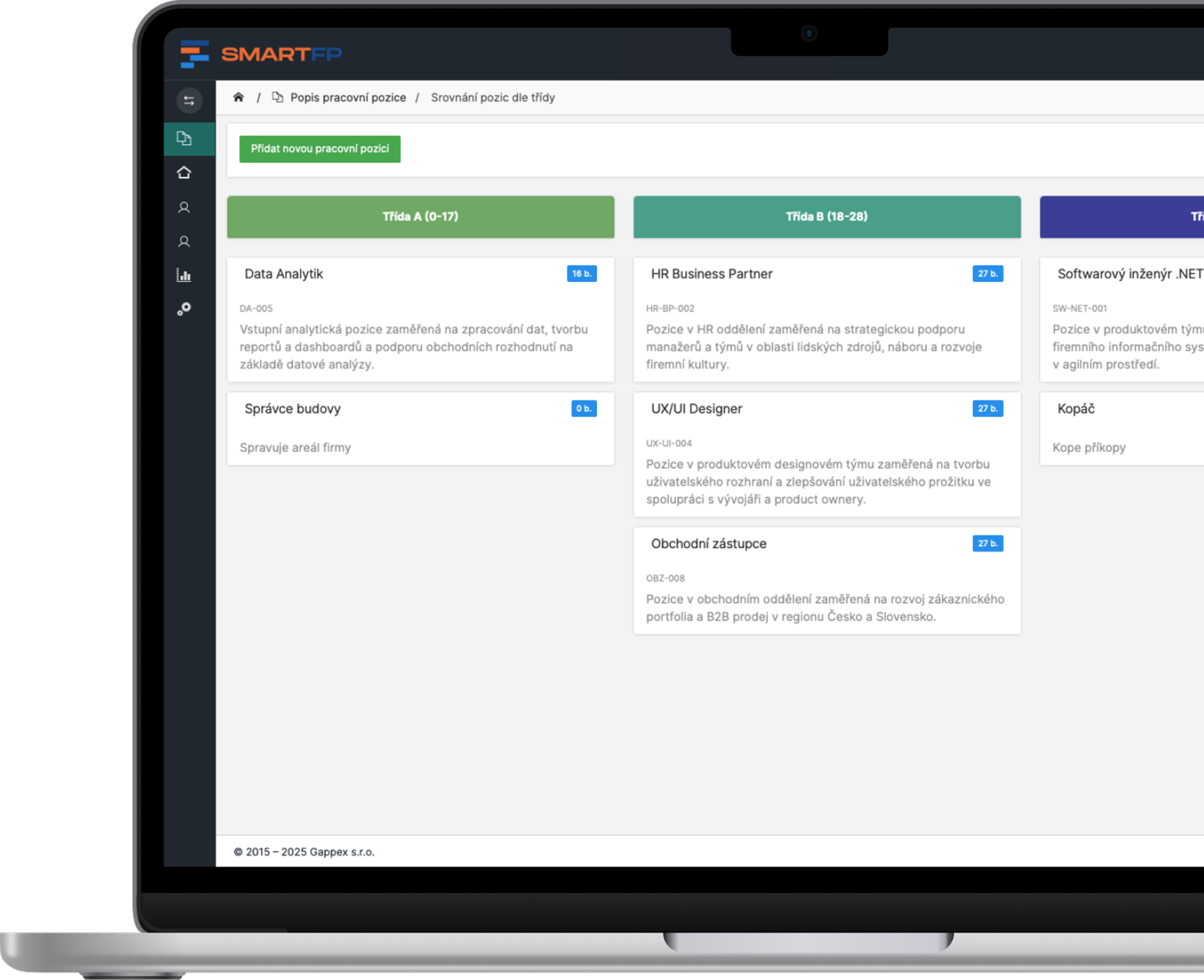
main functions
Everything You Need for Easy Reservation Planning
From selecting an available date to approval and feedback. A single module for resources across the organization.
Real-Time Availability
You can immediately see which resources are available and when you can reserve them.
Easy-to-Read Calendar
Keep track of your current and upcoming reservations in one place.
Conflict-Free Reservations
Select a date and time. The system will prevent duplicate reservations of the same resource.
Notices and Comments
Remind users of their upcoming reservations.
Reservation Approval
Identify which reservations require approval from the person in charge.
Rules as You See Fit
Set the reservation duration, priority groups, and cancellation policies.
Problems vs. Solutions
You can find available resources without having to call around to your colleagues
Shared rooms, cars, and equipment all require a clear system. Replace back-and-forth emails with a calendar where everyone can find an available time slot and make a reservation.
Problems
Two reservations for the same time
Several people can reserve the same room or car at the same time.
Availability is difficult to determine
Employees are calling their colleagues and searching for information in their emails.
The records are scattered
Vehicles, rooms, and equipment each have their own list.
Reservations tend to be forgotten
The reserved resource remains unused, while others are left without it.
The rules are not uniform
It is unclear who approves the reservation or when it can be canceled.
How SmartFP solves it
Collision Protection
The system ensures that reservations for the same resource do not overlap.
Current Availability
You can see the available dates right when you select a source.
Reservations All in One Place
Plan the use of rooms, vehicles, and equipment all in one place.
Timely Comments
Reminders will notify employees of an upcoming reservation.
Clear Reservation Rules
You can set up approval processes, time limits, and cancellation policies.
Link reservations to other systems
The reservation system can be integrated with vehicle management, room scheduling, equipment tracking, and services and training. This allows reservations to be part of broader business processes. You can configure specific integrations based on your organization’s needs and the systems you use.
Fleet Management
Room Schedule
Equipment Inventory
Services and Training
Less coordination. More time to work.
Give employees an easy way to make reservations and provide administrators with an overview of how company resources are being used.

How Reservations Work in Practice
Select a source and a date
Find a room, vehicle, piece of equipment, or service, and check its availability on the calendar.
You’ll know right away which dates are available.
Make a reservation
Enter the date and time. If required by the rules, the reservation will be approved by the person in charge.
Every reservation follows a clear process.
Keep track of everything
Keep track of your current and upcoming reservations. A reminder will alert you when a date is approaching.
Handle changes and cancellations according to the established rules.
Who for?
One reservation system for the entire organization
Resource Administrators
Get an overview of reservations and set usage rules.
availability management
Reservation Policies
approval of requests
Operations and Fleet
Link reservations to the room, vehicle, and equipment schedules.
vehicle reservations
room occupancy
shared equipment
Staff
Book everything you need without any lengthy negotiations.
available dates
easy booking
timely comments
Organizational Leadership
Make it easier to plan your work and use resources more efficiently.
Reservation Overview
uniform rules
less paperwork
Digitization in Practice
Take a look at an example of digitizing another business process: processing IT requests in SmartFP.
Webinar Recording Transparent Compensation: What to Expect and How to Approach It The amendment to the Labor Code will impose new obligations…
Try the easier booking process in SmartFP
Show us what resources you share within your company. In this demo, we’ll walk through reservations, approvals, and options for integrating with other systems.
FAQ
Your Most Frequently Asked Questions
Find out what can be reserved, how the approval process works, and which workflows you can integrate the module with. Do you need to discuss specific use cases within your organization? Contact us.
What can be reserved using this module?
Meeting rooms, office equipment, company vehicles, services, and training. You can configure the range of resources and the rules for reserving them according to your organization’s needs.
How can I tell if a resource is available?
You can view availability in real time on a clear calendar. When making a reservation, select a specific date and time.
Will the system prevent double bookings?
Yes. The module monitors for scheduling conflicts to ensure that the same resource is not reserved by multiple users at the same time.
Can the module be integrated with vehicle management?
Yes. Reservations can be linked to the vehicle management module. The specific scope of the integration is configured based on the modules in use and the organization’s needs.
Can reservations require approval?
Yes. For selected reservations, you can configure approval by a designated person in accordance with the organization’s internal policies.
Can I change the length of the reservation and the cancellation policy?
Yes. Administrators can set limits on reservation durations, prioritize user groups, and establish rules for canceling reservations.
Will I receive a reminder before making a reservation?
Yes. The module provides notifications and reminders about upcoming reservations, which help users remember their scheduled appointments.
What other tasks can be linked to a reservation?
In addition to vehicle management, you can integrate with room management, equipment tracking, or services and training. The specific integrations depend on the modules you use and the configuration of your solution.