
SmartFP travel orders
The SmartFP Travel Orders module handles the entire travel process from start to finish. Application and billing in one process. No double filling and no unnecessary errors.

Who for?
For whom are SmartFP travel orders
Staff
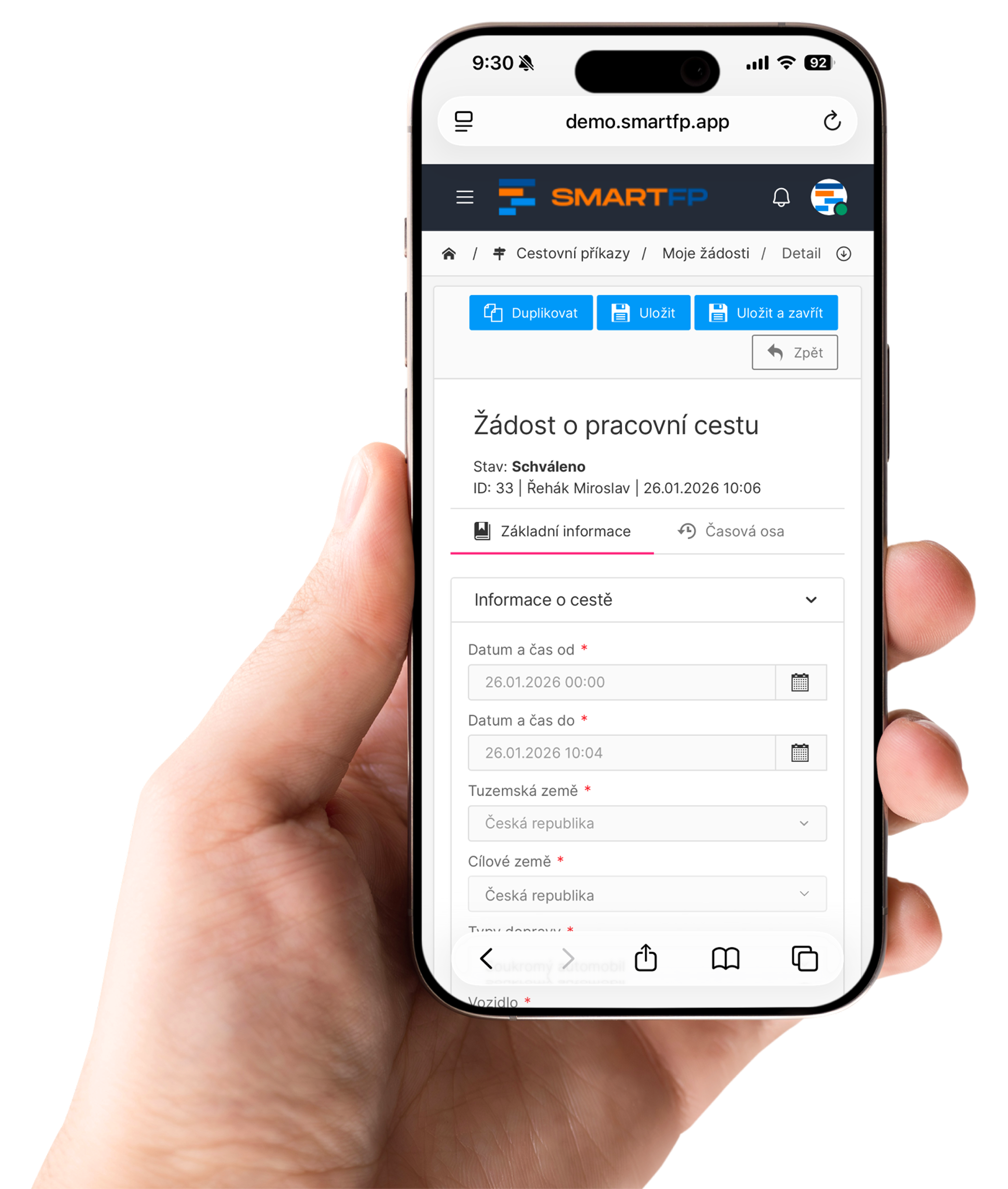
Easy to fill in, possibility to attach receipts and documents. If the application is active, the data is automatically transferred to the billing, so it is not filled in twice.
Supervisors and approvers
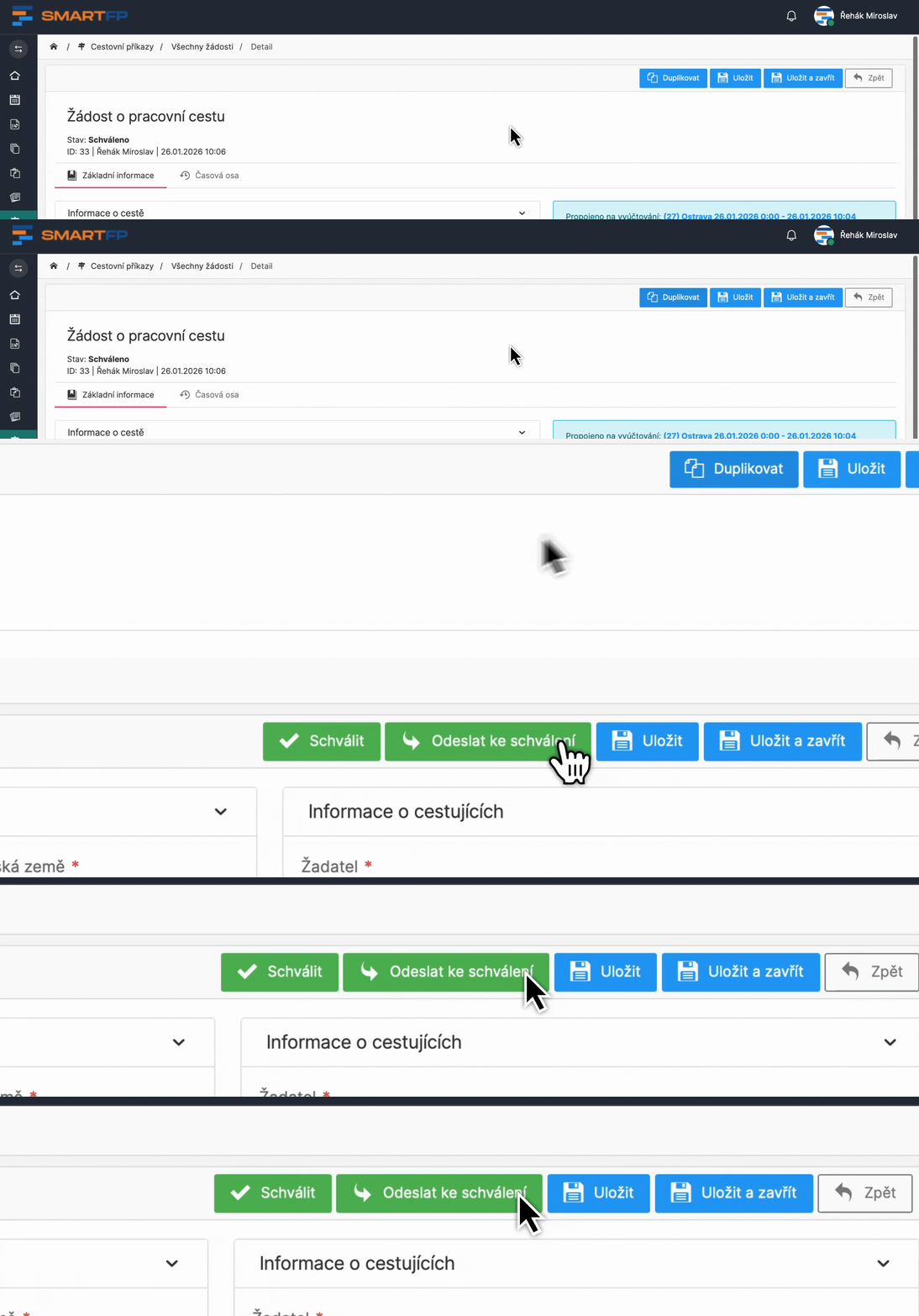
The application acts as a checkpoint before the trip. Approval can be set up according to the organisational structure (typically through a supervisor, or at multiple levels).
Accountants and economists
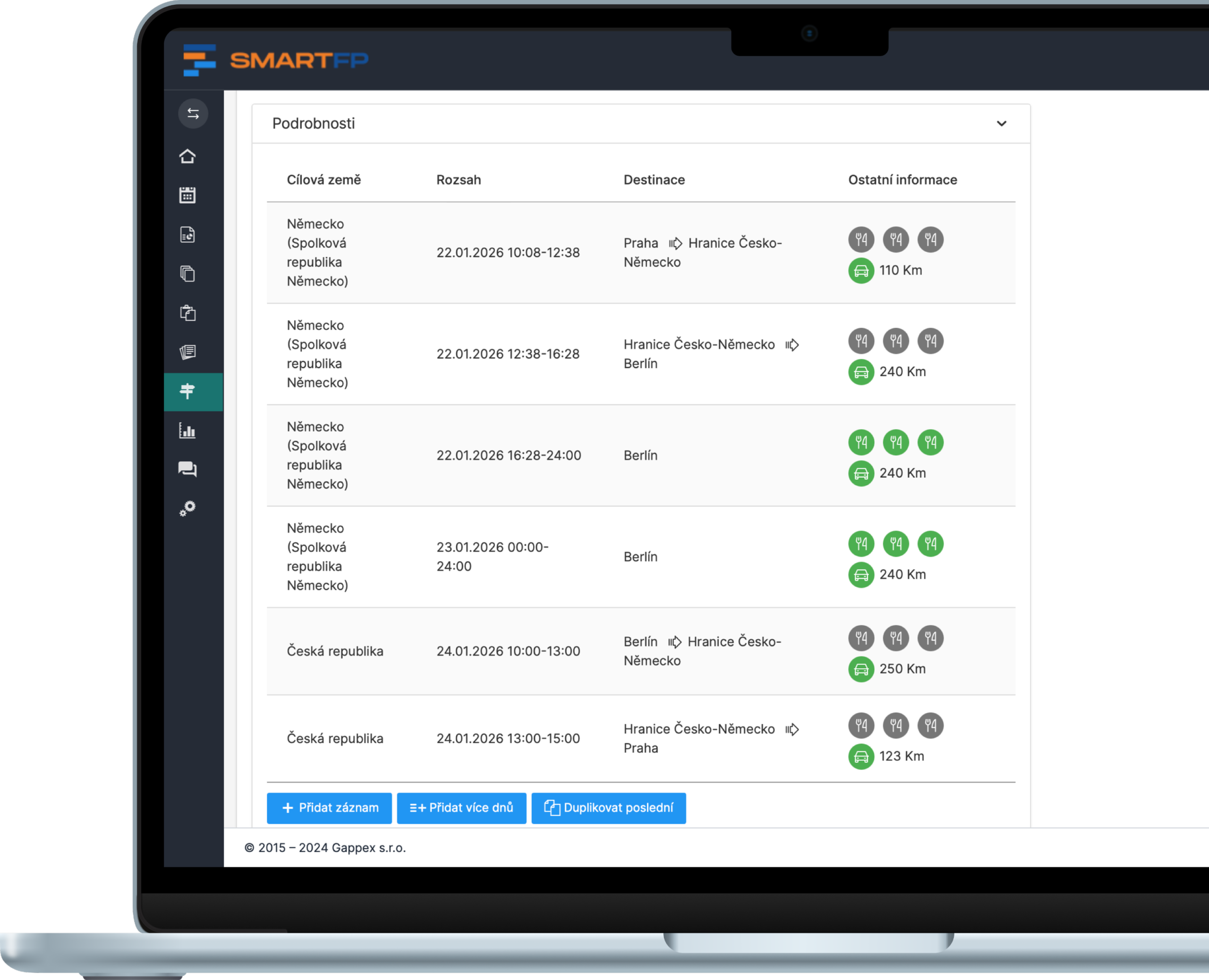
The billing includes a detailed analysis of the trip and costs, including calculations (meals, reimbursements). SmartFP works with current rates and synchronises rates from the CNB daily.
Organisation
An archive and audit trail (timeline) for each record facilitates internal control and audit. Records can be quickly filtered by employee, period, country or approver.
How companies handle travel orders today and why it’s stopping working
Paper forms, Excel and manual checks might work for a few trips a year. But as soon as you travel regularly, chaos, errors and unnecessary paperwork ensue.
- paper / Excel → SmartFP
- manual transcription → automatic transmission
- tracking → archive + audit trail
why SmartFP
5 things why travel orders in SmartFP make sense

The application and the invoice are a single unit (no double filling)
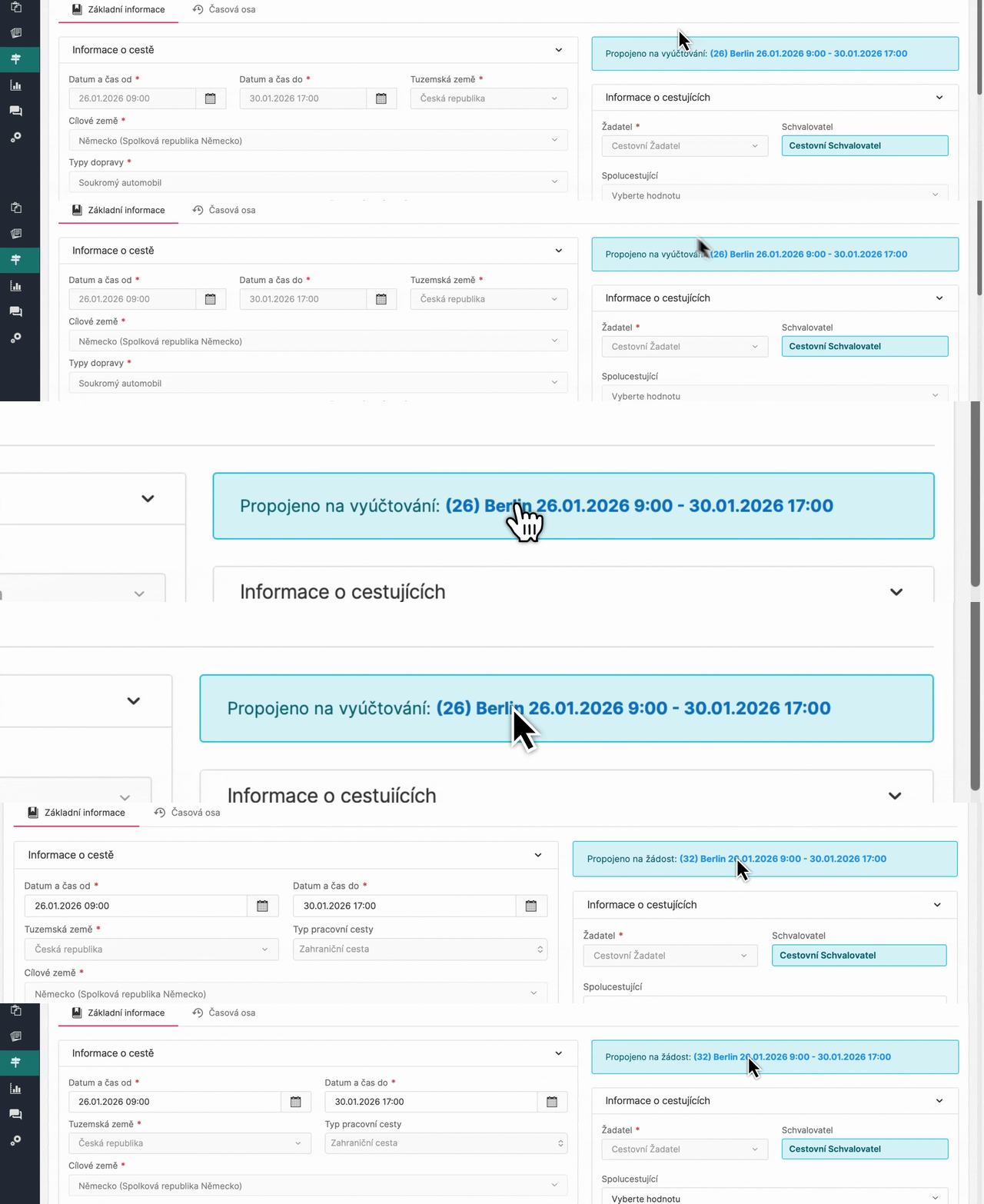
SmartFP links the business trip request and billing into one process. If the request is active, the data is automatically transferred to the billing, without double filling and without differences between what has been approved and what has been billed. Depending on the needs of the organisation, the request can be left as a mandatory control step or switched off completely.
Automation that saves time every day
SmartFP significantly reduces administration through automation:
- applications and statements can be duplicated
- travel orders can be created for another person (assistant, administrator, accountant)
- rights and roles are governed by the organisation’s setup
The result is faster processing and fewer errors in day-to-day operations.
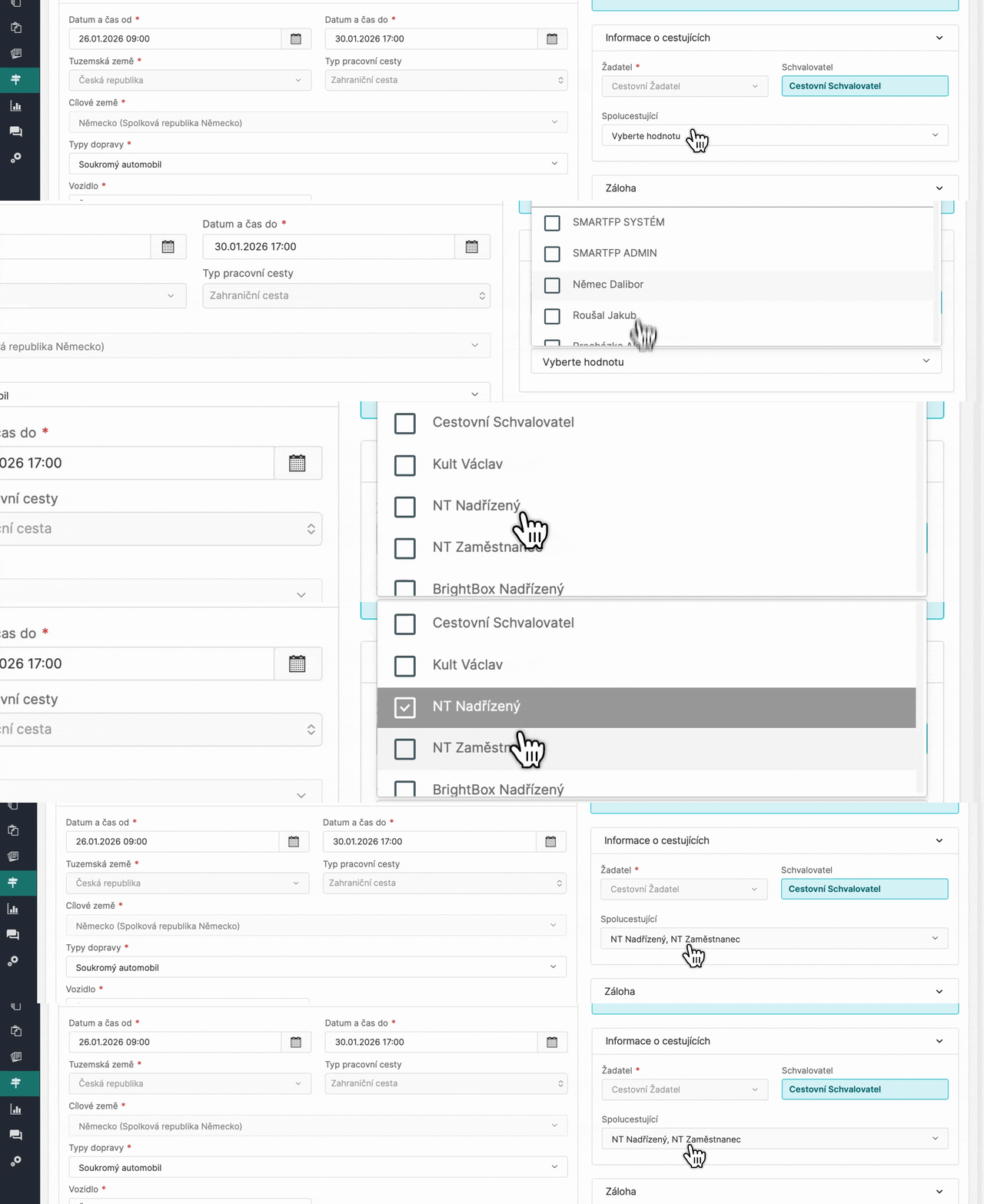
Functions that a normal “transfer vehicle” does not have (bulk, carpooling, summary reports)
This is exactly the part where the time saving breaks down for companies:
- Bulk travel orders (multiple passengers at once)
- Carpooling (correct cost sharing)
- Summary travel statements (multiple overnight trips in one statement)
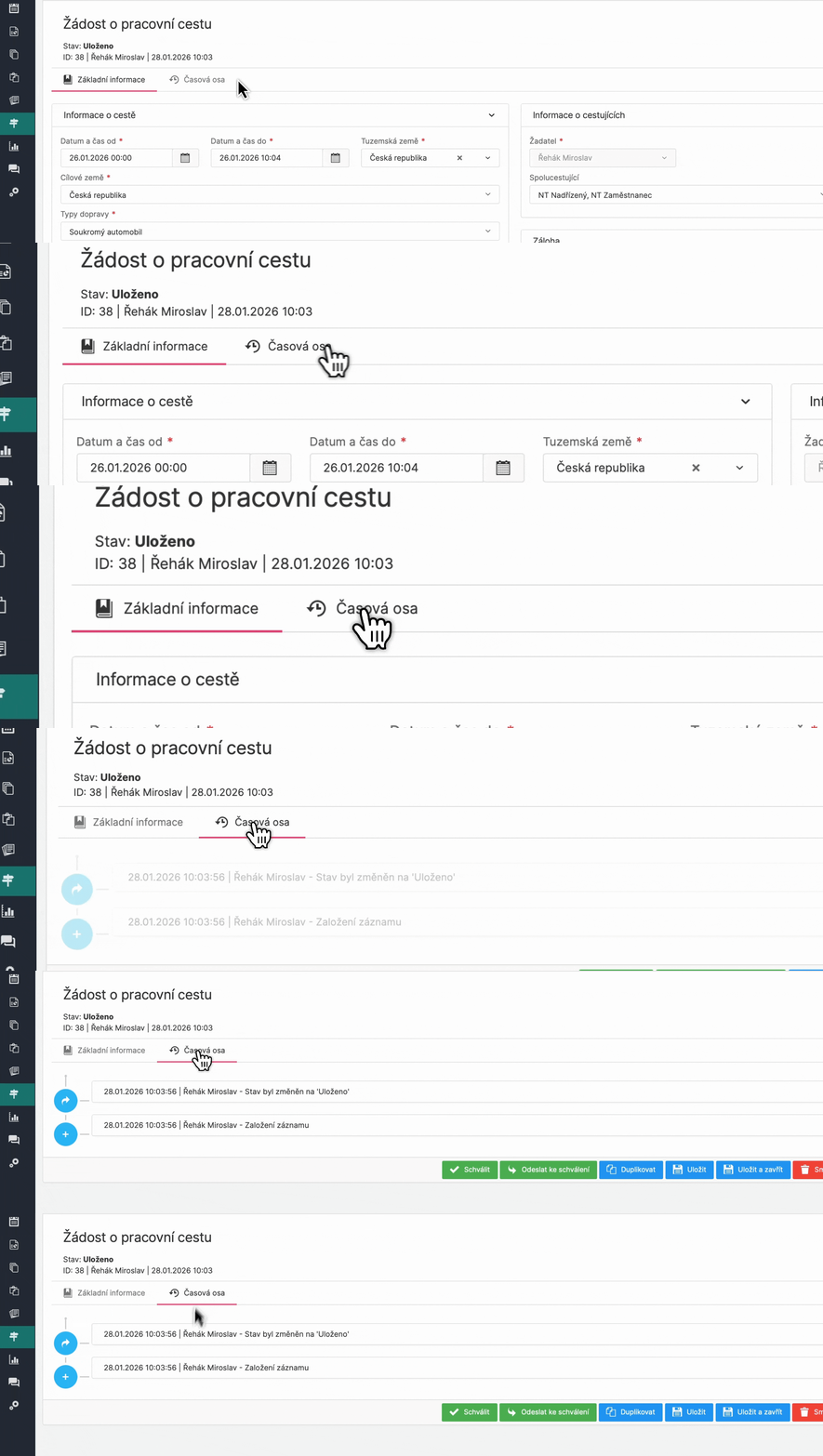
Overview, archive and audit trail
All applications and accounts are stored in a clear archive. Records can be filtered by employee, organizational unit, authorizer, period or country. Each travel order contains an audit trail (timeline) that clearly shows who requested, who approved and when.
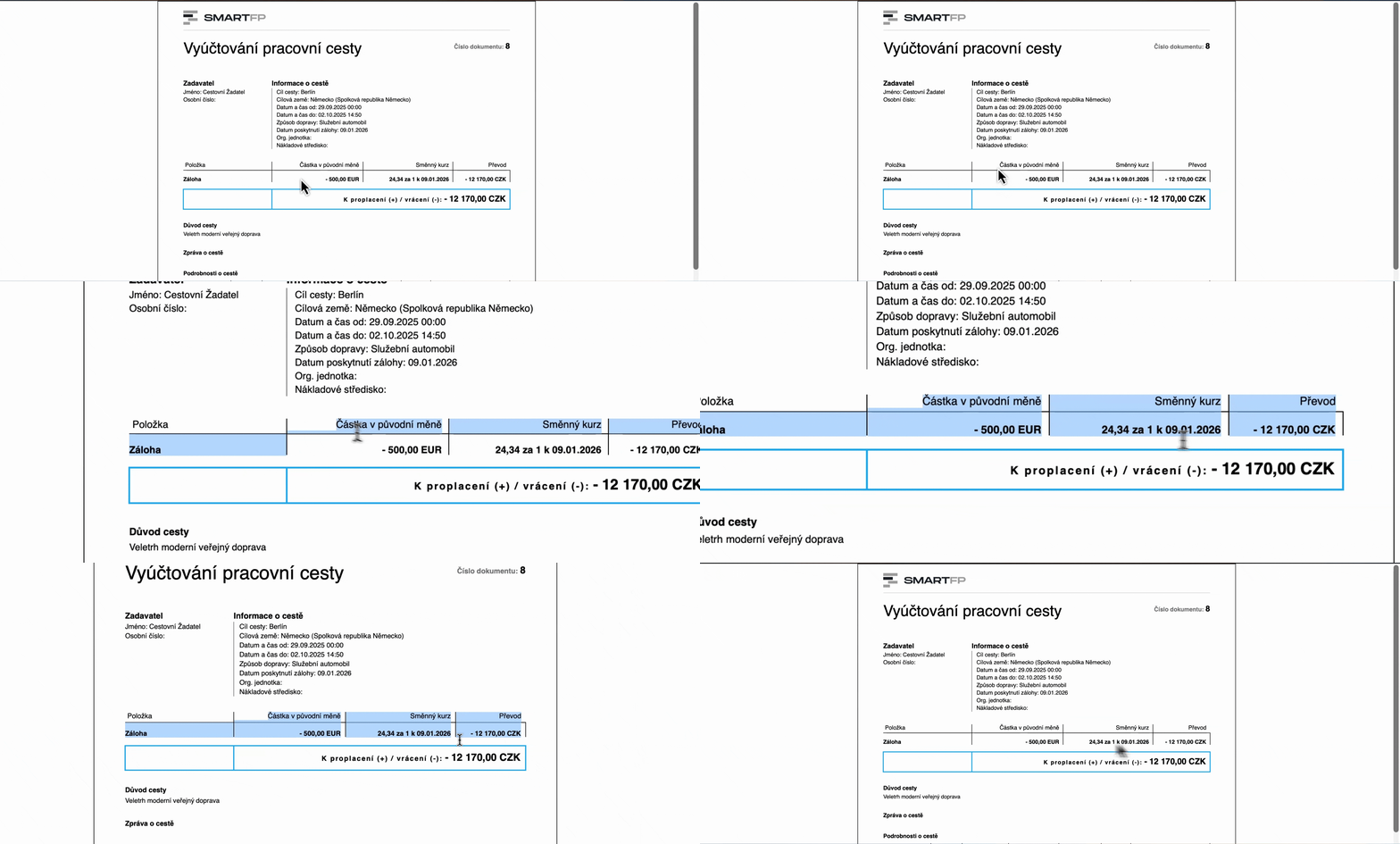
Legislative certainty (CNB rates + current compensation rates)
SmartFP automatically monitors the correctness of the calculations:
- Currency rates are synchronized daily from CNB
- the travel allowance dials correspond to the current decree
- calculations of meals and allowances are made directly in the invoice
Accountants do not have to manually check legislation or convert currencies.
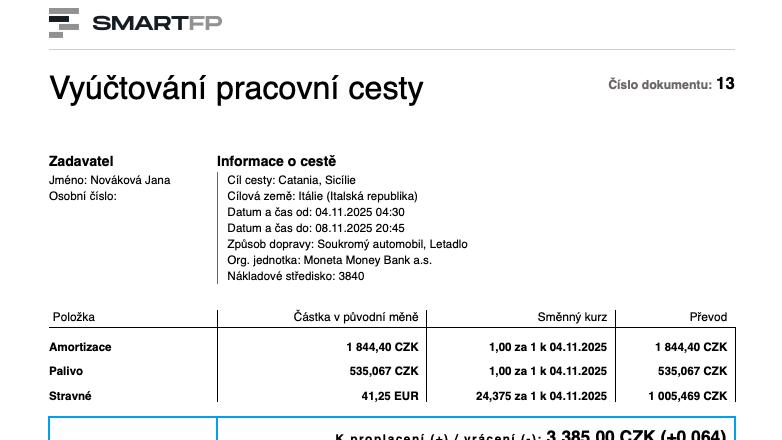
Outputs for accounting and follow-up processing
- The billing may result in:
- PDF overview of the trip including calculation of compensation and attachments
- data phrase for easy transfer to the accounting system
It also includes vehicle registration (fuel type, consumption and other parameters), optionally extended by the approval of a new vehicle and its assignment to a specific trip.
Read our case study
See how SmartFP helps companies digitise their daily agenda in practice.

Paper vs. online travel orders: the benefits of going digital
Our customer has long dealt with paper travel orders that had to be manually approved, tracked and corrected. The goal…
Learn how to use SmartFP in minutes
You can customise the system to make it easy to use for everyone. Accountants, receptionists and bosses. On the computer and in the mobile app. Just a few details below. We will contact you and suggest a date for a demonstration, free of charge and without obligation.
FAQ
Your most common questions
Looking for answers to your questions or need help with our system? We’ve put together a list of frequently asked questions where you can find useful information and solutions to common problems. If anything is not clear to you? Send us a question.
Is it possible to run SmartFP as SaaS and on-premise?
Yes. We are flexible in the location of our solutions, supporting SaaS and on-premise. For some customers, on-premise makes sense because of the integration to internal systems that are not available externally.
How do you deal with travel allowances and compliance with the law?
SmartFP has a travel reimbursement codebook that we synchronize according to the current decree, so you can be sure that the calculations correspond to the legislation and there is no need to manually monitor rate changes.
Is it possible to set up a travel order for someone else?
Yes. Depending on the permission settings, you can create Requests and Billing for another person, typically an assistant, supervisor, or even a traveling companion.
How does vehicle registration work?
Vehicles can be registered in the system with all the data needed for calculating travel allowances (e.g. fuel type, consumption). The registration can also be extended to include approval, for example when a new vehicle is created or assigned to a trip.
Is the Request mandatory or can we turn it off?
The request is not mandatory, we can turn it off. However, it is used in most organizations because it brings control over travel: approval, the possibility to request an advance and, most importantly, a preliminary overview of the costs before the trip.
Do you know how to do bulk travel orders and summary billing?
Yes. SmartFP supports:
- bulk travel orders,
- carpooling,
- as well as summary travel reports, where multiple overnight trips can be settled in one billing.
How does travel approval work?
The approval process is normally set up so that the trip is approved by the supervisor, but we can adapt the process, for example, according to the organisational structure, centres or other internal rules.
Is SmartFP also available on mobile?
Yes. It’s all in one place in the system, and it’s accessible from a mobile phone, so the passenger can add loads and attachments continuously, not just “when they get back to the computer”.