
Supplier evaluations that stand up to an auditor’s scrutiny
One registry, one approval process, one evaluation method. Including what NIS2 requires of the company regarding its supply chain.
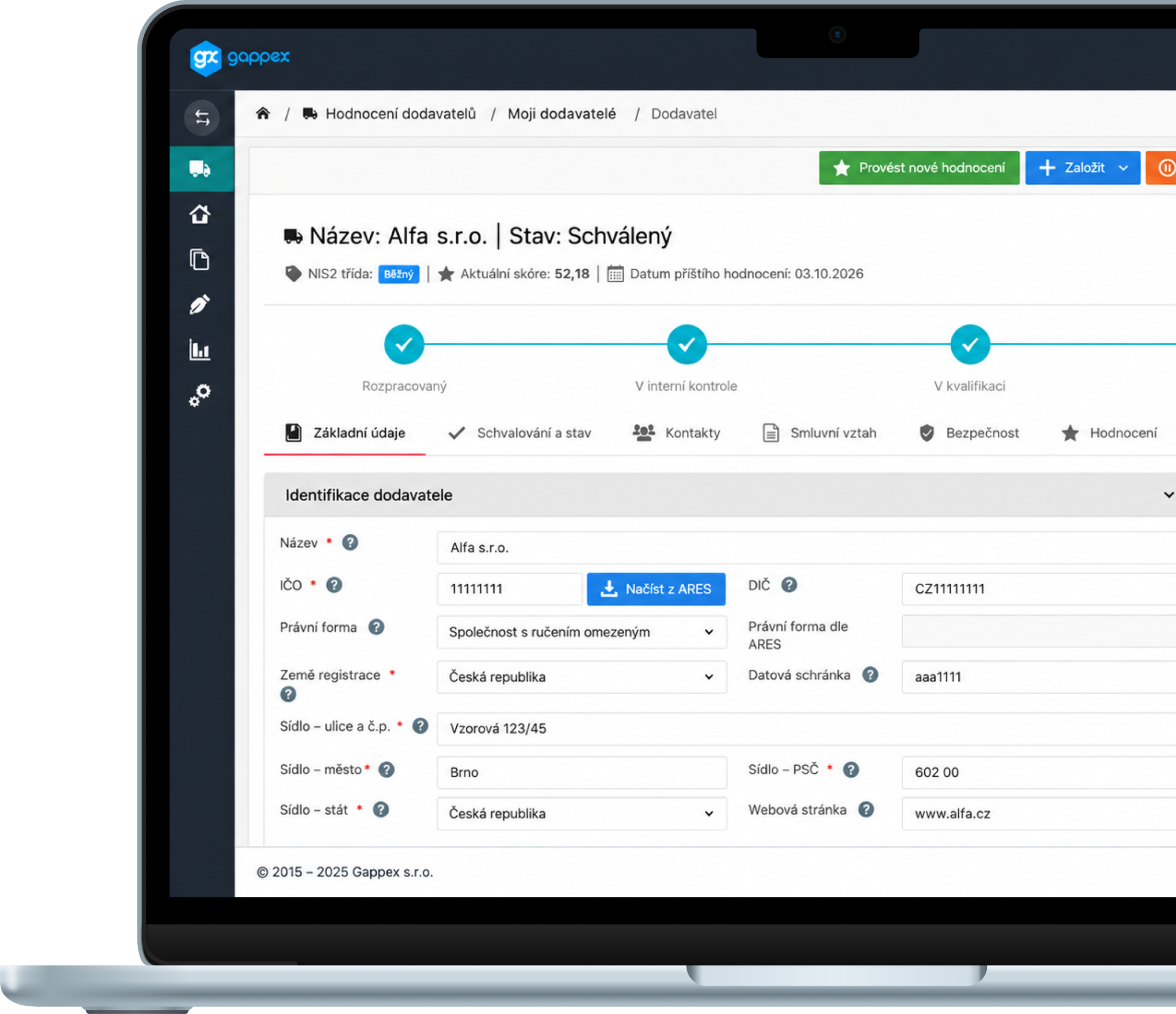
main functions
What Supplier Evaluations Can Do for You
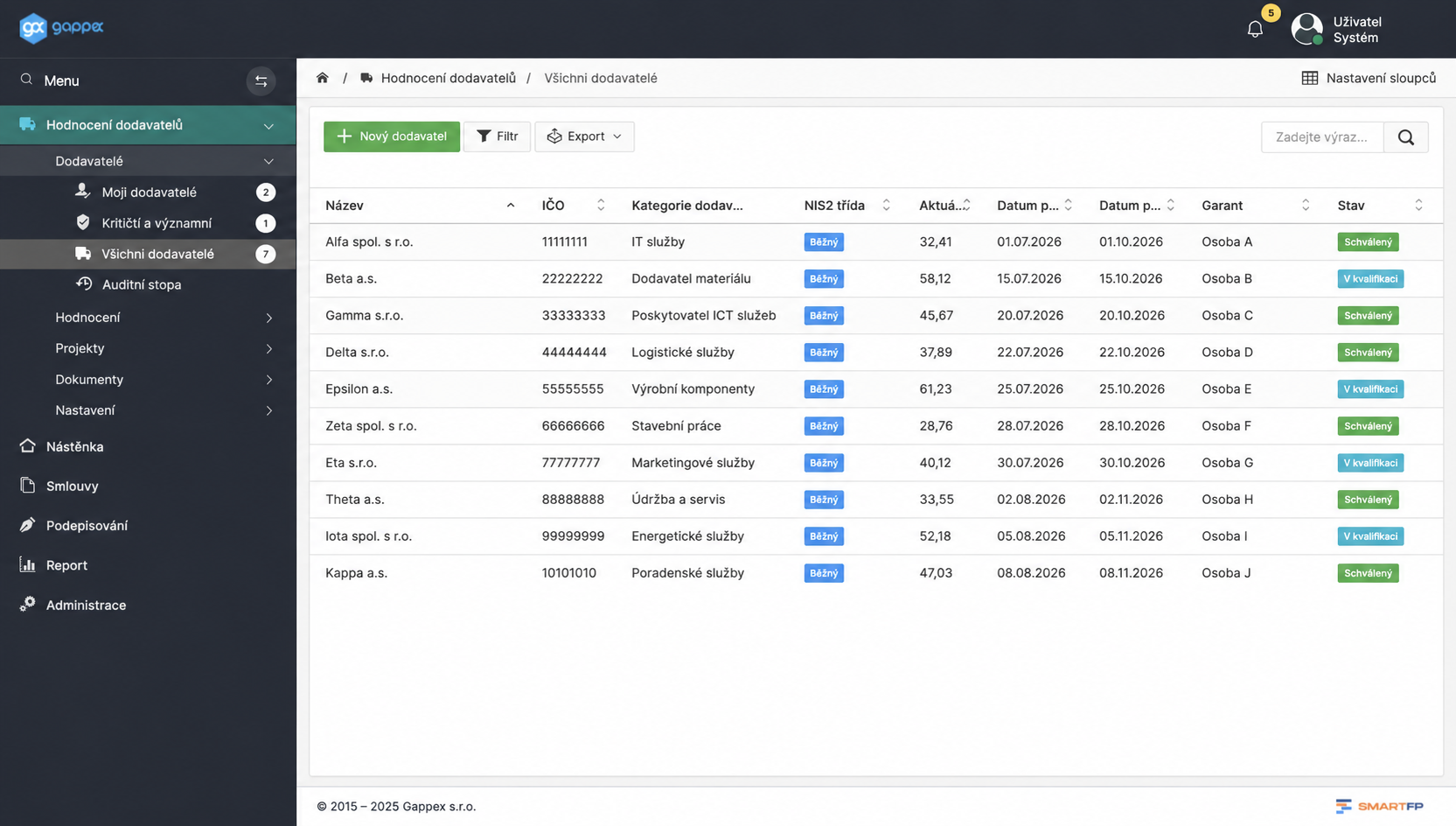
Central Registry
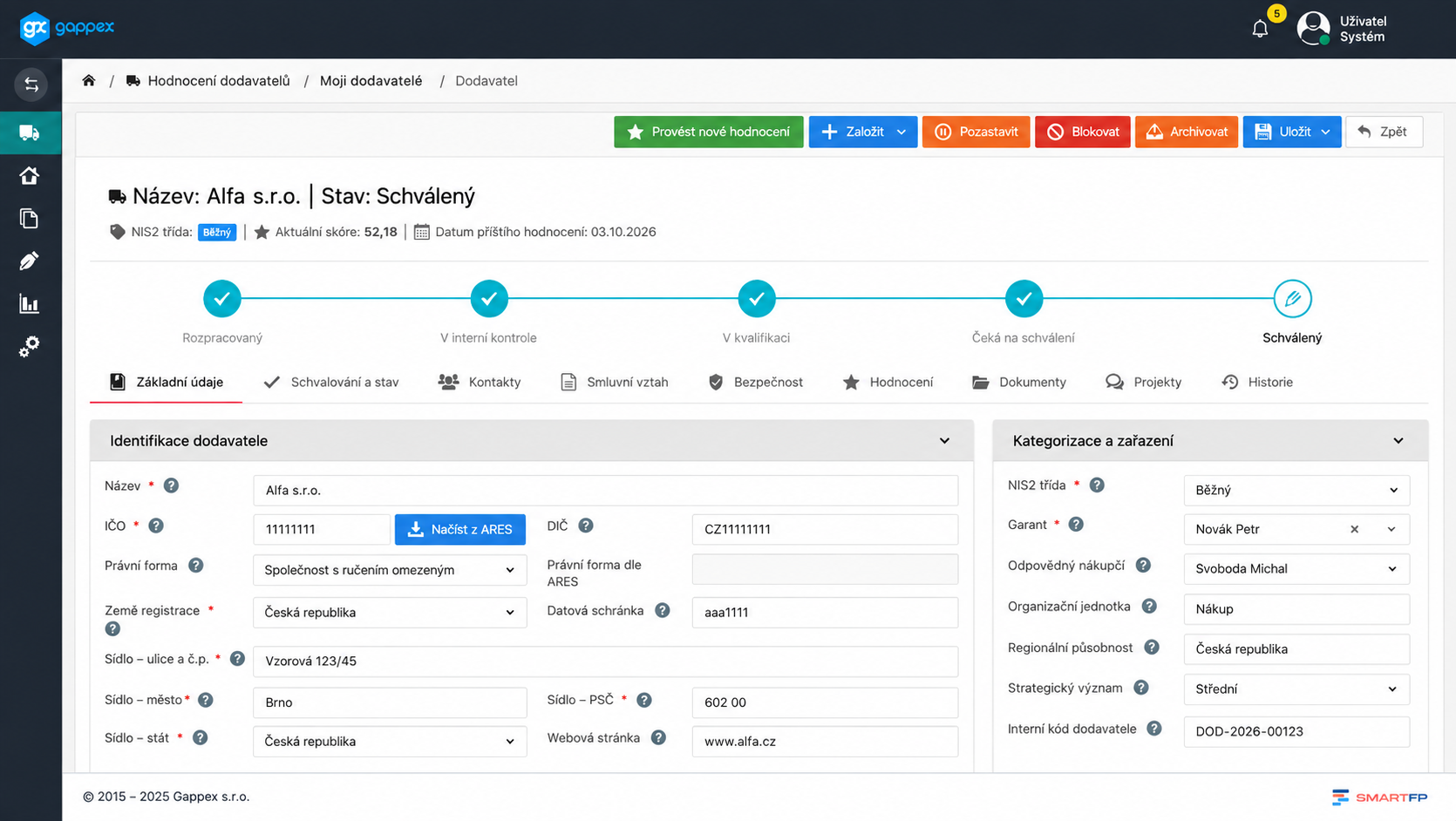
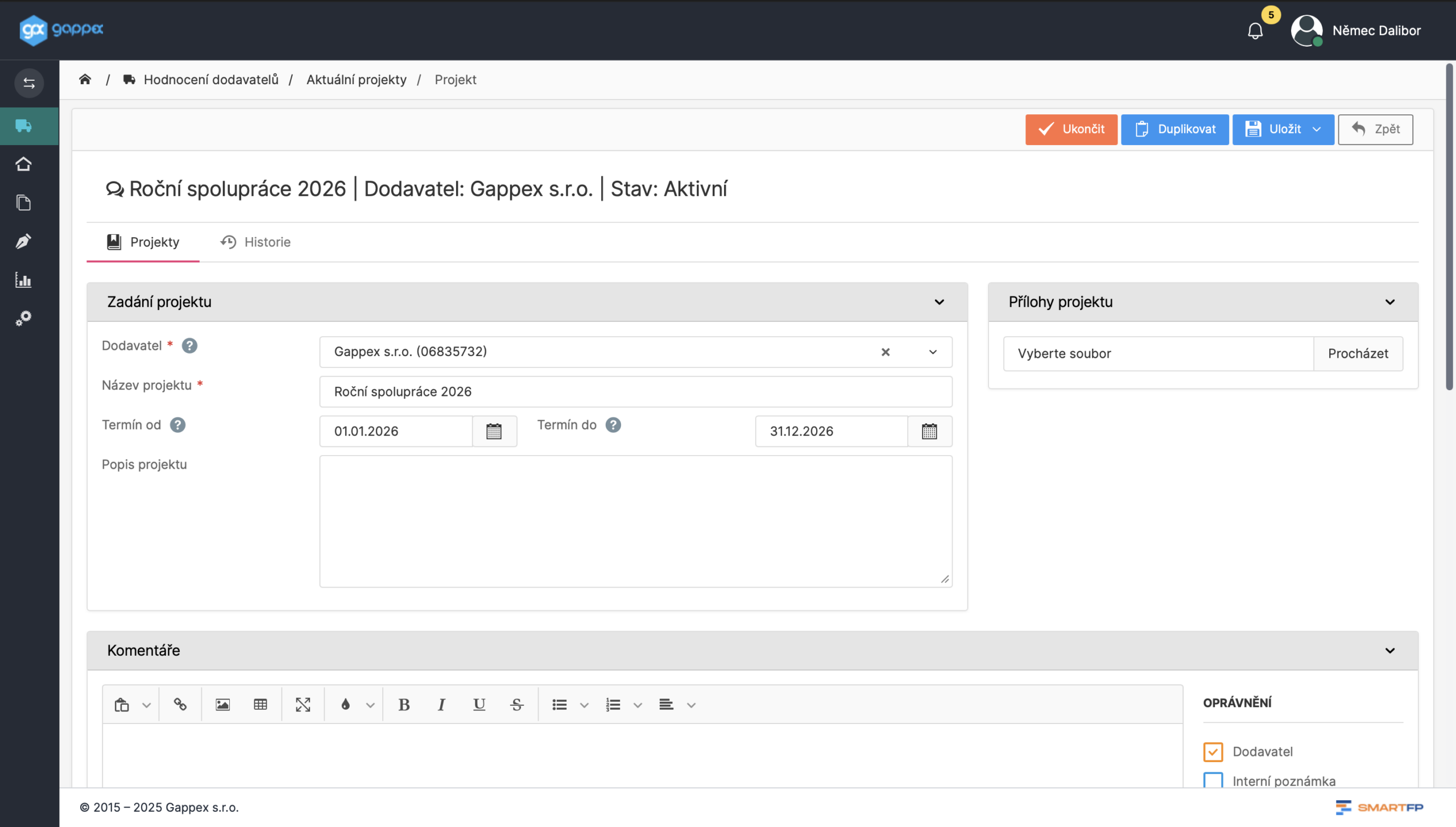
One card per supplier; data retrieved from the ARES registry based on the company ID number.
Managed Lifecycle
Thirteen statuses, ranging from “in progress” to “supplier approved.”
Scores and Grades A–E
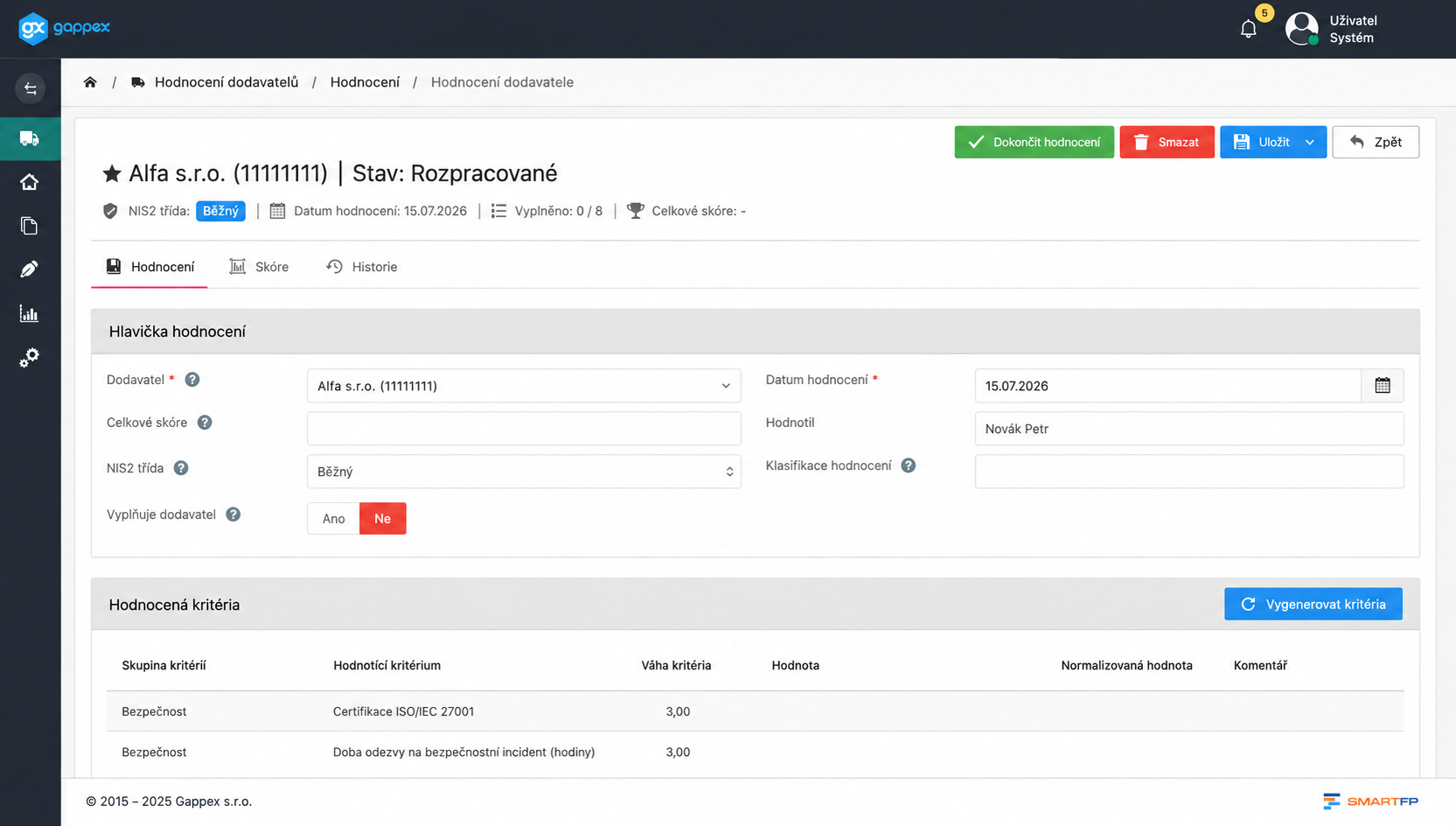
The responses are converted to a standardized scale and combined into a score.
NIS2 Classes
Critical, significant, common. The class determines both the frequency and the mandatory criteria.
Document Management
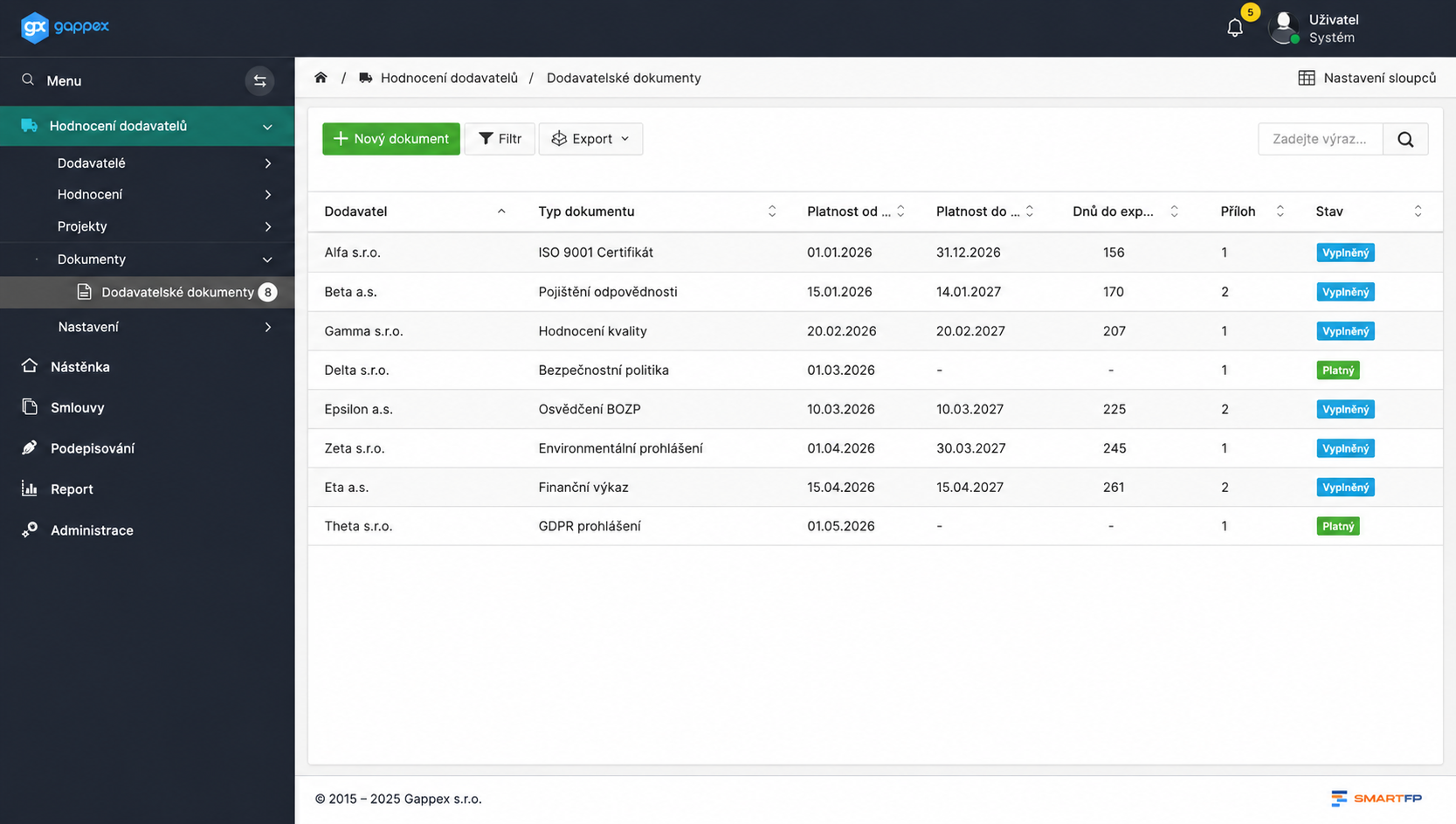
You request a document, the supplier uploads it, and the system verifies its validity.
Configurable Evaluation
Custom criteria, weights, and classification class thresholds.
Problems vs. Solutions
Excel will calculate it, but it won’t provide proof
The table does not show who made the decision, when, or on what basis—and that the scope of the assignment has not changed since then. But that is exactly what the auditors and NIS2 want from the company.
Problems
The supplier database is stored in five locations at once
No one can figure out who approved the supplier and why
Evaluations are conducted on an ad hoc basis, only when someone requests one
The results aren’t comparable; everyone weighs the criteria differently
One person keeps track of the validity of certificates and contracts in their head
How SmartFP solves it
One card per supplier, with no duplicate business ID numbers
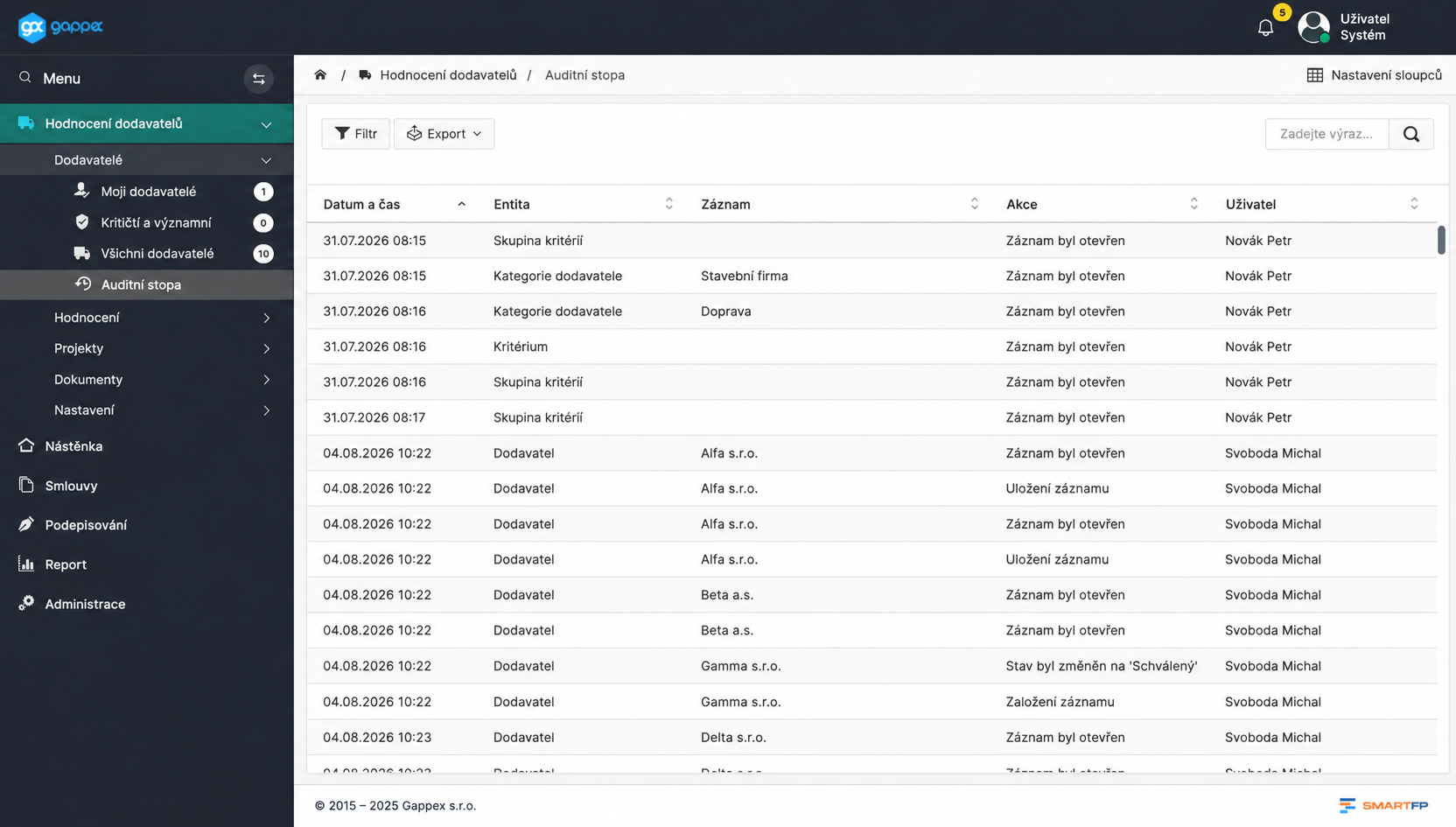
Every decision leaves an audit trail
The reassessment frequency is derived from the NIS2 class
The same criteria and weightings for all suppliers
Notice 30 days before the review and 60 days before the end of the contract
The module will request the documents on its own
You define which documents you need from the supplier. The request is sent to them; they upload it to the shared space, and the module then automatically tracks when it expires.
Requirement
Upload
Inspection
Validity
Keep Your Supply Chain Under Control
We’ll demonstrate the module using your data—we’ll set up ten of your suppliers and walk you through a complete evaluation.

How the implementation will take place
Set the rules
Groups of criteria, weights, and classification class thresholds. Usually one well-run meeting.
Decisions, not configurations.
Please fill out the record
You can create a supplier using its IČO, which is retrieved from ARES, and assign it to a NIS2 class.
One card per supplier, no duplicates.
You will pass the first round of evaluation
The module automatically generates a set of criteria based on the supplier’s category and class and calculates a score.
From there on, the system runs on its own.
Who for?
Who Will See Their Work Change Because of This Module
Purchasing
You can see the score, grade, and status before you place your order.
score and grade A–E
Supplier Status
Rating History
Safety and Risks
Classification into NIS2 classes with mandatory security criteria.
NIS2 Classification
mandatory criteria
safety contact
Quality
Comparable ratings based on the same criteria.
uniform criteria
trend over time
basis for a decision
Management and Audit
An uneditable record of every decision.
auditory trail
CSV and XLSX exports
Overview of the Supplier Base
Read our case study
See how SmartFP helps companies digitise their daily agenda in practice.

AAA AUTO has accelerated the resolution of IT requirements thanks
When the original ticketing system is no longer sufficient IT requirements were under control. The problem was that the system that…
We’ll show you the module for your suppliers
We’ll set up ten of your actual suppliers, configure the criteria according to your methodology, and walk you through one complete evaluation. Then you’ll see what it does to your records—not our sample ones.
FAQ
Your most common questions
Didn’t find what you were looking for? Write to us, and we’ll be happy to help.
How is the score calculated?
Responses to the criteria are converted to a uniform scale of 0–100 and aggregated using a two-level weighted model: first, the score for each group; then, the overall score.
Can we set the criteria ourselves?
Yes. The administrator can change the criteria, weights, thresholds, and classification class boundaries directly within the application, without modifying the code.
What does the NIS2 class mean?
Determines how strictly a supplier is treated. Critical, significant, or routine—the class determines the frequency of reassessment, enforcement of security criteria, and the requirement for a security liaison.
Will the historical ratings change if we adjust the weights?
No. A completed evaluation is immutable—the criteria definitions are saved as a snapshot, and later changes to the weights will not overwrite the history.
How does document management work?
You define a document request; the supplier uploads it via their account; and the module tracks the due date and what’s still missing.
Can the supplier see our internal notes?
No. A recipient is specified for each comment. An internal note will not be displayed to the supplier, and the supplier will not receive a notification about it.